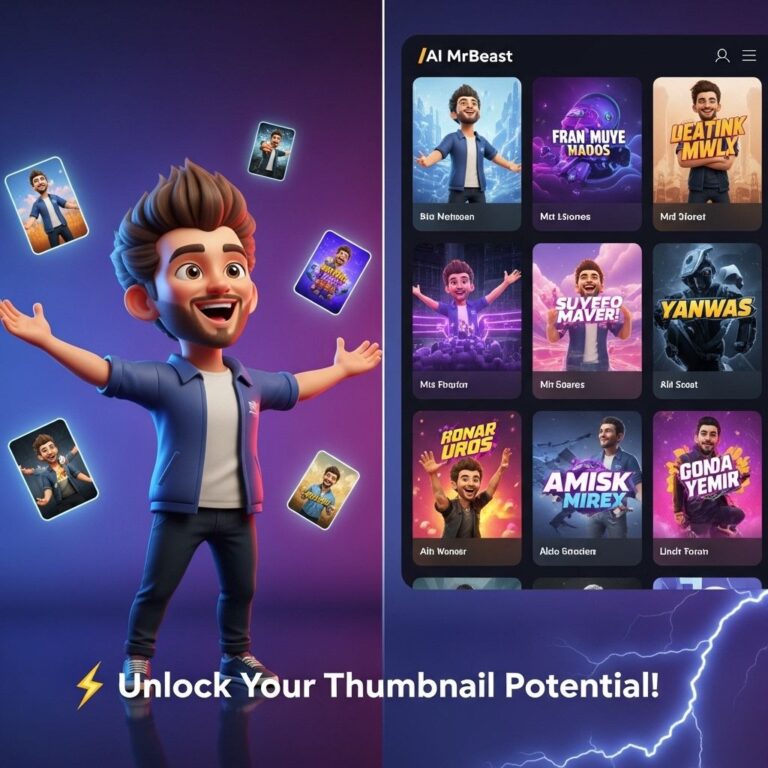
Creating eye-catching YouTube thumbnails is crucial for attracting viewers and driving clicks on your videos. In a crowded space where countless content creators are vying for attention, having a standout thumbnail can make all the difference. Below are ten innovative thumbnail ideas that can help your videos pop and engage your audience effectively.
1. Bold Text Overlay
Utilizing bold text in your thumbnail can instantly grab attention. Make sure to:
- Use contrasting colors.
- Limit the text to 3-6 words for clarity.
- Choose a readable font style.
By keeping it simple yet striking, viewers will quickly understand the video’s topic.
2. High-Quality Images
Your thumbnail is the first impression potential viewers get, so using high-resolution images is essential. You can:
- Use images that relate closely to your video’s content.
- Incorporate action shots if applicable.
- Consider a clean background to enhance focus.
Image Examples
| Image Type | Description |
|---|---|
| Close-up Shots | Great for tutorials or product reviews. |
| Environment Shots | Useful for vlogs or travel content. |
3. Consistent Branding
Establishing your brand through thumbnails creates a cohesive look across your channel. Key points to consider:
- Use a specific color palette.
- Incorporate your logo subtly.
- Maintain a uniform style across all thumbnails.
This will help viewers instantly recognize your videos.
4. Faces and Emotions
Thumbnails featuring faces, especially with expressive emotions, can significantly increase click-through rates. Here’s why:
- Faces create a personal connection.
- Emotions convey the tone of the video.
- Close-up expressions pique curiosity.
5. Visual Storytelling
Your thumbnail should tell a mini-story or hint at the video’s narrative. Techniques include:
- Show a before-and-after scenario.
- Include props or elements that signify key video points.
- Use split images to convey contrasting ideas.
6. Use of Icons and Symbols
Incorporating relevant icons can help viewers quickly grasp the theme of your video. Some tips include:
- Use universally recognized symbols (e.g., a lightbulb for ideas).
- Position them strategically without overcrowding.
- Ensure they are of high quality.
7. Color Psychology
Colors play a crucial role in influencing viewer decisions. Consider the following:
- Red: Excitement and urgency.
- Blue: Trust and calmness.
- Yellow: Optimism and attention-grabbing.
Using colors effectively can enhance your thumbnail’s appeal.
8. Minimalistic Approach
Sometimes, less is more. A minimalistic thumbnail can stand out in a sea of clutter. Focus on:
- Simple design elements.
- A single focal point.
- Clean fonts without distractions.
9. Seasonal Themes
Leveraging current trends or upcoming holidays can make your thumbnails timely and relevant. Tips include:
- Use seasonal colors and themes.
- Incorporate holiday-related visuals.
- Reference trending topics in your niche.
10. Experiment and Analyze
Finally, don’t hesitate to experiment with your thumbnails. Keep track of:
- The performance of different styles.
- Viewer feedback.
- A/B testing for thumbnails to find what works best.
Conclusion
A well-crafted thumbnail can elevate your YouTube videos’ reach and effectiveness. By implementing these ten must-have thumbnail ideas, you can enhance your visibility on the platform, engage more viewers, and ultimately grow your channel. Remember, your thumbnail is your first chance to impress, so make it count!
FAQ
What are some effective YouTube thumbnail ideas?
Some effective YouTube thumbnail ideas include using bold text, high-contrast colors, featuring expressive faces, incorporating a play button, and using a consistent style or branding.
How important are YouTube thumbnails for video performance?
YouTube thumbnails are crucial for video performance as they serve as the first impression for viewers and can significantly impact click-through rates and overall visibility.
What elements should I include in my YouTube thumbnail?
Include elements like a clear focal image, engaging text, brand colors, and relevant icons or graphics to attract viewers and convey the video’s content.
What size should my YouTube thumbnail be?
Your YouTube thumbnail should be 1280 x 720 pixels, with a minimum width of 640 pixels, and should be in a 16:9 aspect ratio for optimal viewing on all devices.
How can I create eye-catching thumbnails for free?
You can create eye-catching thumbnails for free using tools like Canva, Adobe Spark, or even online photo editors that offer customizable templates and design features.