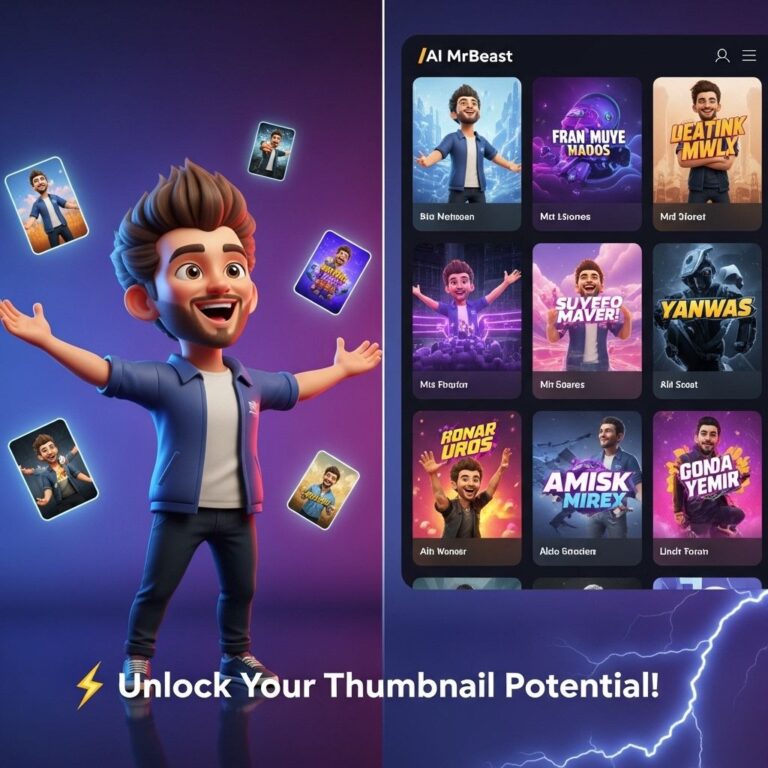
In the ever-competitive world of YouTube, captivating thumbnails can be the difference between a viewer clicking on your video or scrolling past it. A well-designed thumbnail not only grabs attention but also conveys the essence of the content. Here, we’ll explore innovative thumbnail ideas that can elevate your YouTube game and boost your channel’s engagement.
The Power of Thumbnails
Thumbnails serve as the first impression of your video. They can evoke curiosity and compel viewers to learn more about your content. Let’s look into several effective strategies to create thumbnails that stand out.
1. Bold Text Overlays
Using bold, readable text overlay on your thumbnails can help convey the video’s message quickly. Here’s how to make it impactful:
- Font Choice: Use large, sans-serif fonts for clarity.
- Color Contrast: Ensure the text color contrasts sharply with the background.
- Text Size: Keep text to a minimum; aim for 3-5 words maximum.
Example:
For a video about cooking tips, a thumbnail could read “5 Easy Recipes” with vibrant images of dishes in the background.
2. Incorporate Faces
Human faces can create emotional connections with potential viewers. Thumbnails that feature expressive faces tend to attract more clicks.
Why Faces Matter:
- Faces create relatability.
- Expressions can convey emotion, such as excitement or surprise.
- Close-ups can enhance engagement.
3. Use Vivid Colors
Bright and contrasting colors can draw attention and make thumbnails pop. Consider the following tips:
| Color | Emotion |
|---|---|
| Red | Excitement, urgency |
| Blue | Calm, trustworthy |
| Yellow | Happiness, creativity |
4. Create a Consistent Brand Style
Branding is crucial for recognition. Here’s how to establish a consistent style:
- Color Palette: Choose a set of colors and stick to them across all thumbnails.
- Logo Placement: Include a small logo in a corner of your thumbnails.
- Layout: Maintain a similar layout structure for all thumbnails.
5. Tease the Content
Give viewers a sneak peek of what to expect in your video. Here are some techniques:
- Use stills from the video to create intrigue.
- Incorporate visual metaphors relevant to the content.
- Highlight key moments through imagery.
6. Add a Call to Action
Encouraging action can boost click-through rates. Evidently, simple phrases like “Watch Now!” or “Don’t Miss Out!” can be effective.
Implementing CTAs:
- Position CTAs in corners or under main images.
- Utilize contrasting colors to make them stand out.
7. Use Collages for Variety
Combining several images into one thumbnail can give a sense of the breadth of your content. Here’s how:
- Choose images that represent different segments of your video.
- Ensure images are high-quality and relevant.
- Avoid overcrowding; maintain a clean look.
8. Implement A/B Testing
Experimentation can lead to discovering effective thumbnails. A/B testing allows you to compare two designs for a single video. Here’s how to conduct it:
- Create two different thumbnails for the same video.
- Monitor metrics such as click-through rate (CTR).
- Adjust future thumbnails based on performance data.
9. Stay Updated with Trends
Trends can change rapidly in the digital space. Keeping your thumbnails in line with current trends can make your content more relatable and timely.
Sources to Follow:
- Social media platforms for visual trends.
- Popular YouTube creators for insights.
- Design sites like Behance for inspiration.
10. Utilize Thumbnail Templates
Using templates can streamline the design process. Platforms like Canva or Adobe Spark offer customizable thumbnail templates that can save time while maintaining quality.
Benefits of Using Templates:
- Consistency in design.
- Quick adjustments and iterations.
- Access to a professional look without needing advanced skills.
Conclusion
Creating eye-catching thumbnails is an art that requires understanding your audience and testing various approaches. By implementing these game-changing ideas, you can significantly enhance your video’s performance and attract more viewers to your channel. Remember, your thumbnail is your video’s first point of contact with potential viewers; make it count!
FAQ
What are some effective YouTube thumbnail ideas?
Using bold colors, clear text, and engaging images can make your thumbnails stand out.
How important are thumbnails for YouTube videos?
Thumbnails are crucial as they are the first impression viewers have of your video, influencing click-through rates significantly.
Should I include text in my YouTube thumbnails?
Yes, including short, catchy text can help convey the video’s message quickly and attract viewers.
What image styles work best for YouTube thumbnails?
High-quality images featuring faces, action shots, or vibrant visuals tend to perform well in attracting viewers.
How can I create a consistent look for my YouTube thumbnails?
Using a consistent color scheme, font, and design style across all thumbnails can help establish your brand identity.
Are there any tools to help design YouTube thumbnails?
Yes, tools like Canva, Adobe Spark, and Snappa offer user-friendly templates specifically for creating YouTube thumbnails.