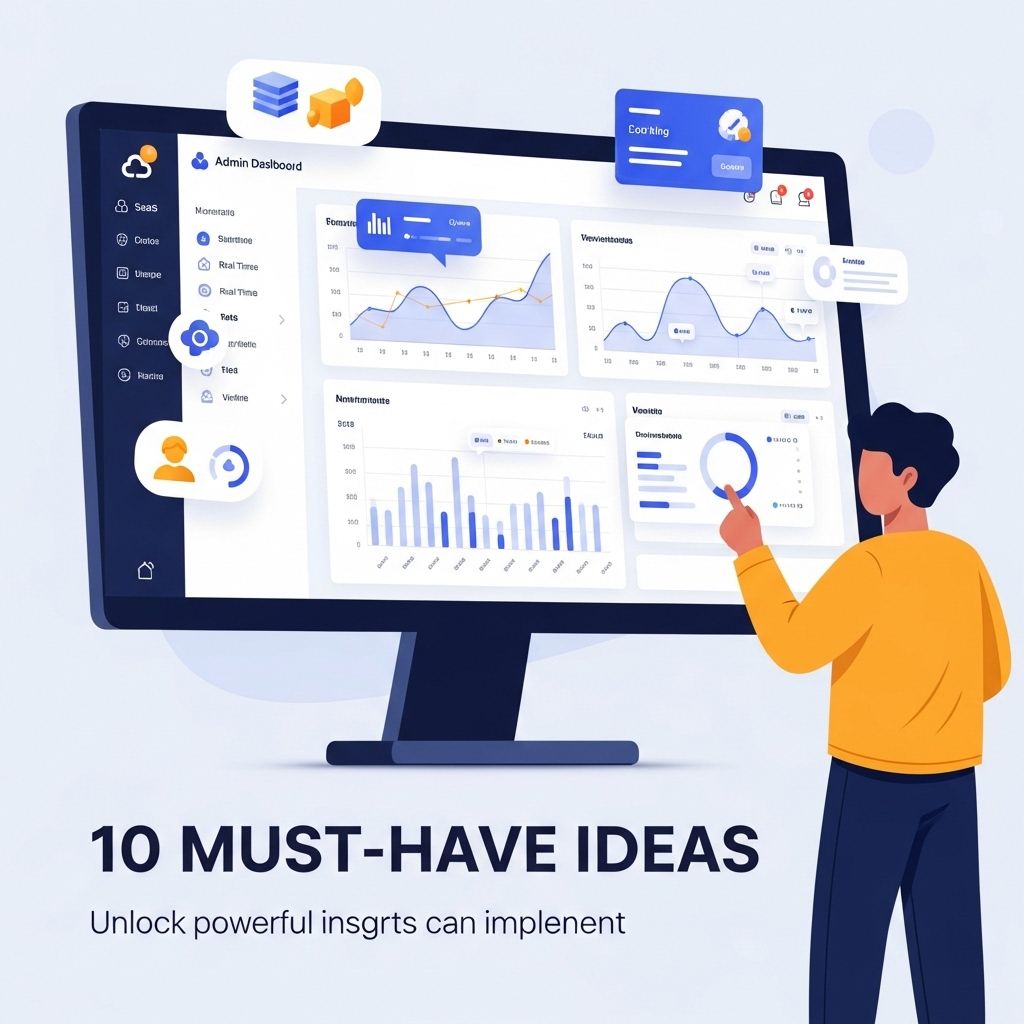

In the rapidly evolving world of software as a service (SaaS), a well-designed admin dashboard can make a world of difference for businesses aiming to streamline their operations and enhance user experience. Admin dashboards serve as the control center for managing applications, monitoring performance, and gathering insights that drive strategic decisions. In this article, we will explore ten must-have SaaS admin dashboard ideas that can elevate the user experience and optimize efficiency.
User Management
One of the fundamental components of any SaaS platform is user management. Your admin dashboard should provide administrators with tools to easily manage user accounts, roles, and permissions.
Key Features:
- User account creation, deletion, and modification
- Role-based access control
- Audit logs for user activities
- Bulk user actions
- Integration with Single Sign-On (SSO) solutions
Performance Analytics
Data-driven decision-making is paramount for SaaS companies. A performance analytics section in your admin dashboard can provide impactful insights into user behavior, application performance, and overall business health.
Key Features:
- Real-time data visualizations (e.g., graphs, charts)
- Customizable KPIs to track specific metrics
- Comparative analysis over time
- Segmentation capabilities for different user groups
- Integration with third-party analytics tools
Billing and Subscription Management
Managing billing and subscriptions effectively is crucial for customer retention and revenue generation. Your dashboard should empower admins to handle various billing-related tasks with ease.
Key Features:
- Overview of active subscriptions and revenue
- Automated billing cycles and invoice generation
- Payment method management
- Discounts and promotions configuration
- Churn rate analysis
Support Ticket System
A robust support ticket system allows admins to track and manage customer inquiries efficiently. This not only improves customer satisfaction but also helps in identifying recurring issues.
Key Features:
- Ticket creation and categorization
- Automated ticket assignments to support agents
- Priority levels and escalation processes
- Integration with chat and email support channels
- Reporting on ticket resolution metrics
Security Monitoring
Security is a top priority for SaaS applications. An effective admin dashboard should include security monitoring tools to keep track of potential threats and vulnerabilities.
Key Features:
- Real-time alerts for suspicious activities
- Access logs and activity reports
- Vulnerability scanning and patch management
- Two-factor authentication setup
- Compliance tracking (e.g., GDPR, HIPAA)
API Management
For SaaS providers that offer API access, managing those APIs effectively is critical. An API management section can help track usage, monitor performance, and set rate limits.
Key Features:
- API usage statistics and analytics
- Rate limiting and throttling configurations
- Error tracking and debugging tools
- Access management for API keys
- Documentation and version control
Integration Management
As businesses increasingly rely on multiple tools, the ability to manage integrations directly from the admin dashboard is essential. This can enhance workflows and improve overall efficiency.
Key Features:
- Overview of active integrations
- Configurability of integration settings
- Connection health monitoring
- API documentation for developers
- Integration marketplace for third-party tools
Customizable Dashboards
Every admin may have different priorities and metrics they want to focus on. Allowing users to customize their dashboards can greatly enhance usability and satisfaction.
Key Features:
- Drag-and-drop interface for widget arrangement
- Selection of widgets to display relevant data
- Theme customization options
- Saving multiple views or presets
- Collaboration features for team dashboards
Feedback and Suggestions
Collecting feedback from users can provide valuable insights into areas for improvement. A feedback loop integrated into the admin dashboard can help foster this communication.
Key Features:
- Feedback forms and suggestion boxes
- Feedback categorization and analysis
- User satisfaction surveys
- Feature request tracking
- Integration with product roadmaps
Mobile Responsiveness
In today’s mobile-driven world, ensuring that your admin dashboard is responsive and user-friendly on mobile devices is crucial. This allows administrators to manage their applications anytime, anywhere.
Key Features:
- Responsive design for various screen sizes
- Mobile-friendly navigation
- Touch-friendly controls and buttons
- Real-time notifications and updates
- Offline access capabilities
By incorporating these ten must-have features into your SaaS admin dashboard, you can significantly enhance the experience for administrators, streamline operations, and ultimately drive the success of your SaaS offerings. Prioritizing usability, performance monitoring, and user feedback will create a robust framework for future growth and adaptability.
FAQ
What are the essential features of a SaaS admin dashboard?
Essential features of a SaaS admin dashboard include user management, analytics and reporting, billing and invoicing, notifications and alerts, integration capabilities, and customizable user roles.
How can data visualization enhance a SaaS admin dashboard?
Data visualization enhances a SaaS admin dashboard by providing intuitive charts and graphs that help administrators quickly analyze trends, monitor performance metrics, and make data-driven decisions.
What is the importance of user management in a SaaS admin dashboard?
User management is crucial in a SaaS admin dashboard as it allows administrators to manage user access, track user activity, and ensure security protocols are followed, enhancing the overall user experience.
How can I ensure my SaaS admin dashboard is user-friendly?
To ensure your SaaS admin dashboard is user-friendly, focus on intuitive navigation, a clean layout, responsive design, and provide tooltips or guides to assist users in understanding features.
What role does integration play in a SaaS admin dashboard?
Integration plays a vital role in a SaaS admin dashboard by enabling the connection of third-party tools and services, allowing for streamlined workflows, enhanced functionality, and improved data management.
Why is real-time data important in a SaaS admin dashboard?
Real-time data is important in a SaaS admin dashboard as it allows administrators to monitor system performance, respond to issues promptly, and make timely decisions based on the latest metrics and insights.