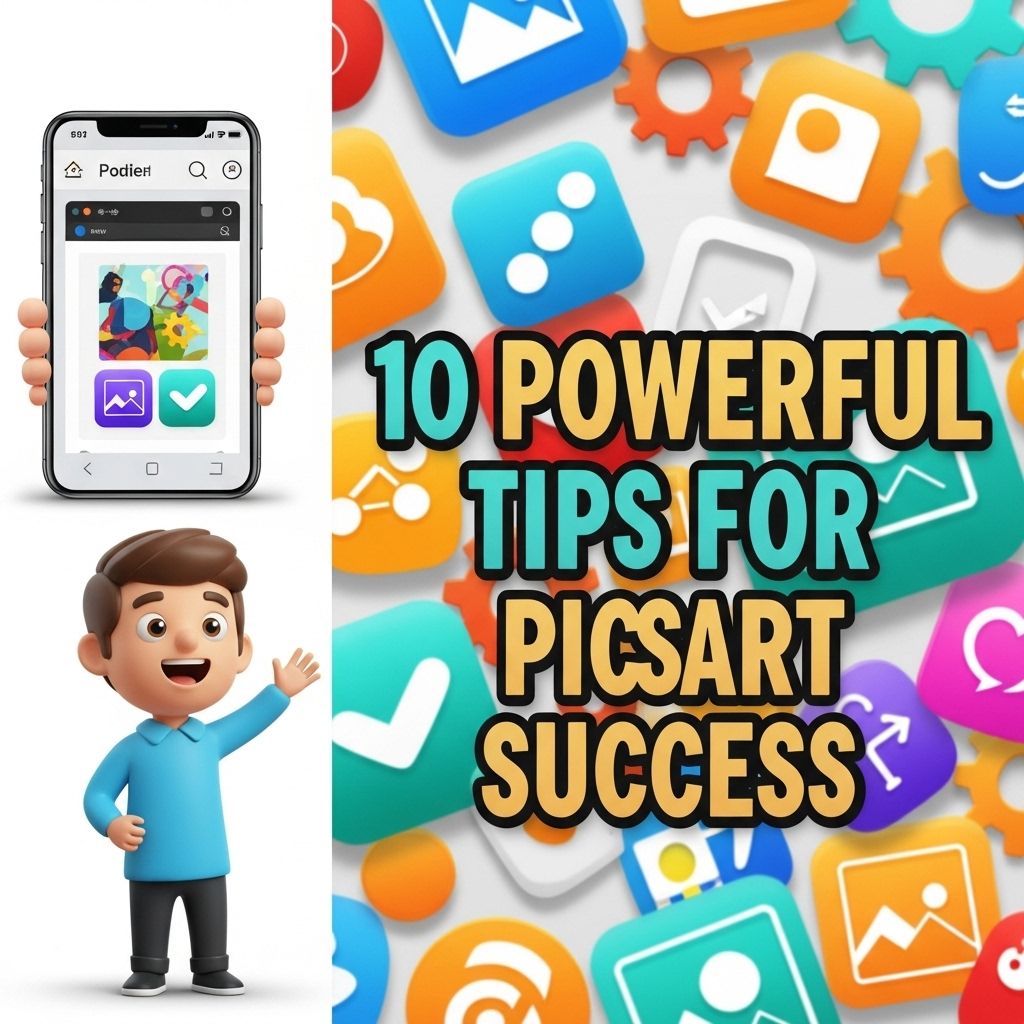

In the world of digital creativity, PicsArt has emerged as a leading platform for photo editing and graphic design. With its comprehensive tools and vibrant community, users can transform their images into stunning artworks. However, mastering PicsArt requires more than just downloading the app; it calls for a mix of creativity, technical know-how, and an understanding of best practices. This article will explore powerful tips that can elevate your PicsArt skills and help you create captivating visuals.
1. Familiarize Yourself with the Interface
Understanding the workspace is crucial for efficient editing. The PicsArt interface is designed to be intuitive, but taking time to explore its features can unveil hidden functionalities. Here’s how you can familiarize yourself:
- Navigate through different tabs: Explore the tools available for editing, effects, and adding elements.
- Experiment with layers: Learn how to manipulate layers to enhance your images.
- Check out tutorials: Utilize PicsArt’s built-in tutorial section to guide your exploration.
2. Utilize the Power of Layers
Layers are essential when it comes to professional editing. They allow for non-destructive changes, which means you can go back and edit your work without starting over.
How to Work with Layers:
- Open a Base Image: Start with your primary image as the background layer.
- Add New Layers: For text, stickers, or additional images, create new layers.
- Arrange Layers: Drag layers to reorder them, allowing you to control what appears on top.
3. Master the Tools
PicsArt offers a variety of tools that can dramatically change your images. Here’s a breakdown of some essential tools:
| Tool | Function |
|---|---|
| Cutout | Allows you to remove backgrounds with precision. |
| Brush | Apply paint-like effects or enhancements. |
| Effects | Apply filters and artistic effects to change your image’s mood. |
| Text | Add typography to your images with various fonts and styles. |
4. Explore the Community Features
PicsArt is not just an editing tool; it’s also a community where artists can share their work. Engaging with this community can inspire your creativity and help you learn from others. Here’s how to take advantage of it:
- Follow artists whose styles you admire.
- Participate in challenges to push your creative boundaries.
- Share your work and ask for feedback to improve your skills.
5. Experiment with Filters and Effects
Filters and effects can significantly alter the look of your images. Don’t shy away from experimenting with them. Consider:
Tips for Filter Usage:
- Combine multiple filters for unique effects.
- Adjust the intensity of filters to avoid overwhelming the image.
- Contrast is key; pair filters that complement each other.
6. Use Custom Stickers and Clipart
Enhancing your images with stickers and clipart can add a personal touch. You can upload your own or use the community’s creations. To create custom stickers:
- Use the Cutout tool to isolate objects from your images.
- Save these objects as stickers to use in future projects.
7. Leverage Tutorials and Online Resources
The internet is teeming with resources for PicsArt users. Utilize video tutorials, blogs, and forums to learn advanced techniques. Here are some popular resources:
- YouTube channels dedicated to graphic design.
- Your own experimentation and trial-and-error.
- PicsArt’s official blog for tips and tricks.
8. Optimize for Social Media
If you’re creating art for social media, keep in mind the platform’s specific requirements. Here are some strategies for optimizing your visuals:
- Use appropriate dimensions for each platform to avoid cropping issues.
- Consider creating multiple versions optimized for different platforms.
9. Regularly Update Your Skills
Technology and design trends are always evolving. Stay ahead of the curve by committing to regular skill updates:
- Attend webinars or online classes focused on graphic design.
- Experiment with new features as they are released in PicsArt.
10. Keep a Creative Journal
Documenting your ideas and inspirations can lead to better designs. A creative journal can help you:
- Sketch concepts before jumping into digital editing.
- Track your progress and reflect on your artistic journey.
By following these tips, you can unlock the full potential of PicsArt and significantly enhance your creative projects. Whether you’re a beginner or an experienced user, incorporating these strategies will lead to more dynamic and visually appealing creations. Happy editing!
FAQ
What are the best tips for using PicsArt effectively?
To succeed with PicsArt, focus on mastering its tools, experimenting with layers, utilizing templates, and engaging with the community for inspiration.
How can I improve my photo editing skills on PicsArt?
Practice regularly, watch tutorials, and explore different editing styles to enhance your photo editing skills on PicsArt.
What features of PicsArt should I use for creative projects?
Utilize features like stickers, text tools, blending modes, and filters to create unique and engaging projects on PicsArt.
Is it possible to collaborate with others on PicsArt?
Yes, you can collaborate with other users on PicsArt by sharing your projects and inviting them to contribute.
How can I gain followers on PicsArt?
To gain followers on PicsArt, consistently share high-quality content, engage with other users, and participate in challenges and contests.
Are there any tips for creating stunning graphics on PicsArt?
To create stunning graphics, use high-resolution images, experiment with color palettes, and apply creative filters and effects.