
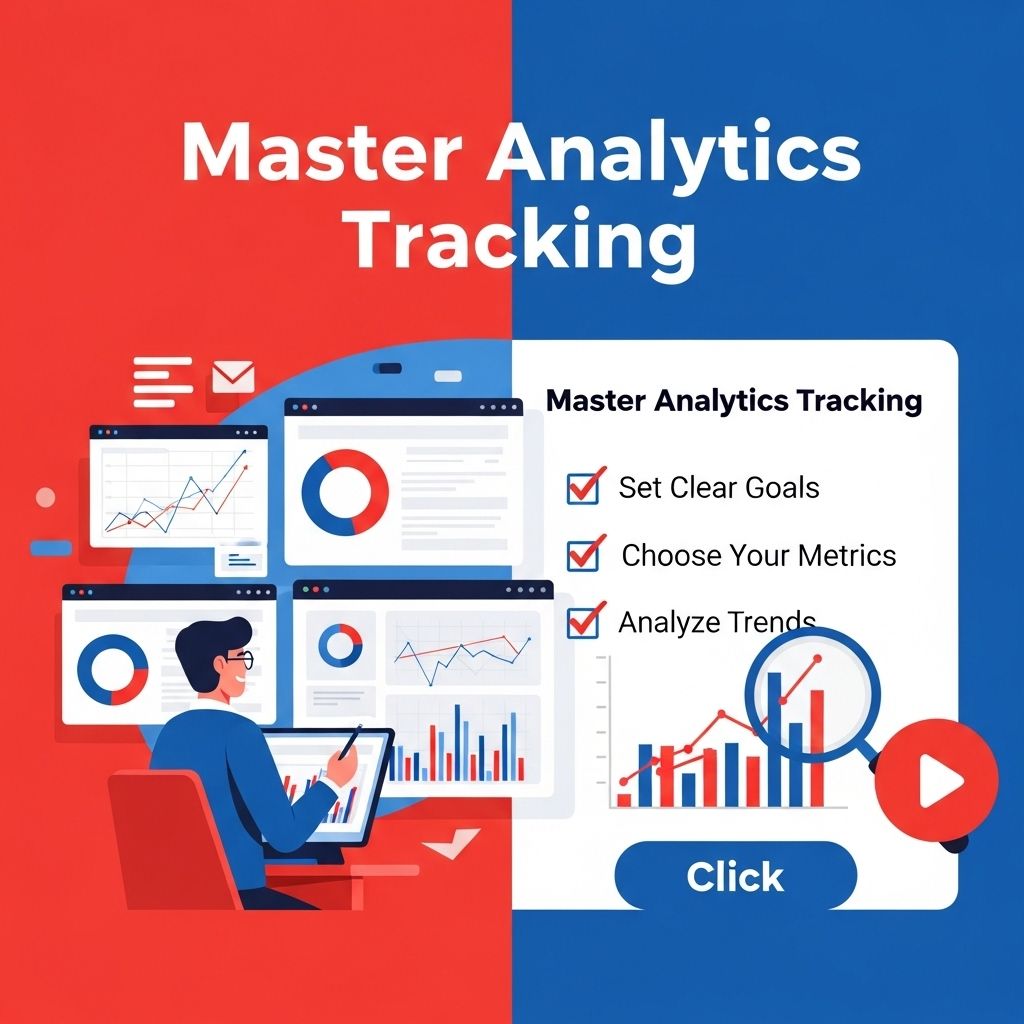

In today’s data-driven world, understanding analytics tracking is essential for businesses and marketers alike. It empowers decision-makers to interpret user behavior, optimize marketing strategies, and ultimately enhance the customer experience. This article delves deep into the various aspects of analytics tracking, offering insights into its importance, tools, and best practices.
The Importance of Analytics Tracking
Analytics tracking involves collecting and analyzing data related to user interactions on digital platforms. It serves multiple purposes, including:
- Performance Measurement: Tracking key performance indicators (KPIs) helps businesses gauge the success of their initiatives.
- Data-Driven Decisions: By understanding user behavior, companies can make informed decisions rather than relying on gut feelings.
- Customer Insights: Analytics provides a window into customer preferences, helping tailor products and services to meet their needs.
- Optimize Marketing Efforts: Understanding which marketing channels work best allows for more effective resource allocation.
Key Components of Analytics Tracking
To master analytics tracking, one must familiarize themselves with its foundational components:
1. Data Collection
Data collection is the backbone of analytics tracking. Effective data collection methods include:
- Website Tracking: Using tracking codes like Google Analytics to monitor website traffic.
- Mobile App Analytics: Tools like Firebase Analytics to track user engagement on mobile platforms.
- Social Media Analytics: Platforms like Facebook Insights provide data on post engagement and audience demographics.
2. Data Analysis
After data is collected, the next step is analysis. Key techniques include:
- Segmentation: Breaking down data into actionable segments to understand different user behaviors.
- Trend Analysis: Identifying patterns over time to forecast future behavior.
- Attribution Modeling: Understanding which touchpoints contribute to conversions.
3. Reporting
Effective reporting communicates the findings of your data analysis. Elements of a strong report include:
- Clarity: Presentation of data in an easily digestible format.
- Visuals: Utilizing charts and graphs to illustrate trends and patterns.
- Actionable Insights: Offering concrete recommendations based on the data.
Popular Tools for Analytics Tracking
There are a plethora of tools available for analytics tracking, each offering unique features. Here are some of the most popular:
| Tool | Key Features | Best For |
|---|---|---|
| Google Analytics | Comprehensive tracking, real-time data, customizable reports | Websites |
| Adobe Analytics | Advanced segmentation, predictive analytics | Large enterprises |
| Mixpanel | Event-based tracking, cohort analysis | Mobile apps |
| Hotjar | Heatmaps, session recordings | User behavior analysis |
| Facebook Insights | Audience demographics, post engagement | Social media |
Best Practices for Effective Analytics Tracking
To maximize the benefits of analytics tracking, consider adopting the following best practices:
1. Define Clear Objectives
Start with well-defined goals. What do you want to achieve with your analytics tracking? Clear objectives guide the data collection process and help in measuring success.
2. Ensure Data Quality
Data quality is paramount. Regularly audit your tracking setups to ensure accuracy and completeness. Use tools to monitor data integrity.
3. Leverage Real-Time Data
Utilizing real-time data can provide immediate insights, allowing businesses to respond quickly to user behavior changes.
4. Foster a Data-Driven Culture
Encourage all team members to embrace data-driven decision-making. Share insights across departments to improve overall strategies.
Challenges in Analytics Tracking
Despite its advantages, analytics tracking comes with its own set of challenges:
1. Data Overload
With the abundance of available data, it’s easy to become overwhelmed. Focus on key metrics that align with your business goals.
2. Privacy Regulations
Changes in privacy laws, such as GDPR and CCPA, can impact data collection practices. Stay updated on legal requirements to ensure compliance.
3. Tool Selection
Choosing the right analytics tool can be daunting. Assess your business needs and test different platforms to find the best fit.
The Future of Analytics Tracking
As technology advances, the landscape of analytics tracking continues to evolve. Emerging trends include:
- Artificial Intelligence: AI-driven analytics tools are becoming mainstream, providing deeper insights and predictive capabilities.
- Real-Time Analytics: The demand for real-time data is growing, enabling businesses to react immediately to user behavior.
- Integration of Multiple Data Sources: The ability to integrate data from various platforms will provide a more holistic view of customer interactions.
Conclusion
Mastering analytics tracking is no longer an option but a necessity in the competitive digital landscape. By understanding its components, utilizing the right tools, and following best practices, businesses can unlock valuable insights that drive growth. The journey may be complex, but the rewards of informed decision-making are well worth the effort.
FAQ
What is analytics tracking?
Analytics tracking refers to the process of collecting and analyzing data about user interactions with a website or application to understand user behavior and improve marketing strategies.
Why is analytics tracking important for businesses?
Analytics tracking is essential for businesses as it provides insights into user engagement, helps optimize marketing campaigns, and improves decision-making based on real data.
How can I implement analytics tracking on my website?
To implement analytics tracking, you can use tools like Google Analytics or other analytics platforms by adding a tracking code to your website’s header.
What types of data can be captured through analytics tracking?
Analytics tracking can capture various data types, including page views, user demographics, traffic sources, conversion rates, and user behavior patterns.
How often should I review my analytics tracking data?
It’s recommended to review your analytics tracking data regularly, at least monthly, to identify trends, make informed decisions, and adjust marketing strategies accordingly.
Can I track mobile app analytics in the same way as website analytics?
Yes, you can track mobile app analytics using specific tools like Firebase or mobile analytics SDKs, which allow for similar data collection and analysis as website analytics.


