
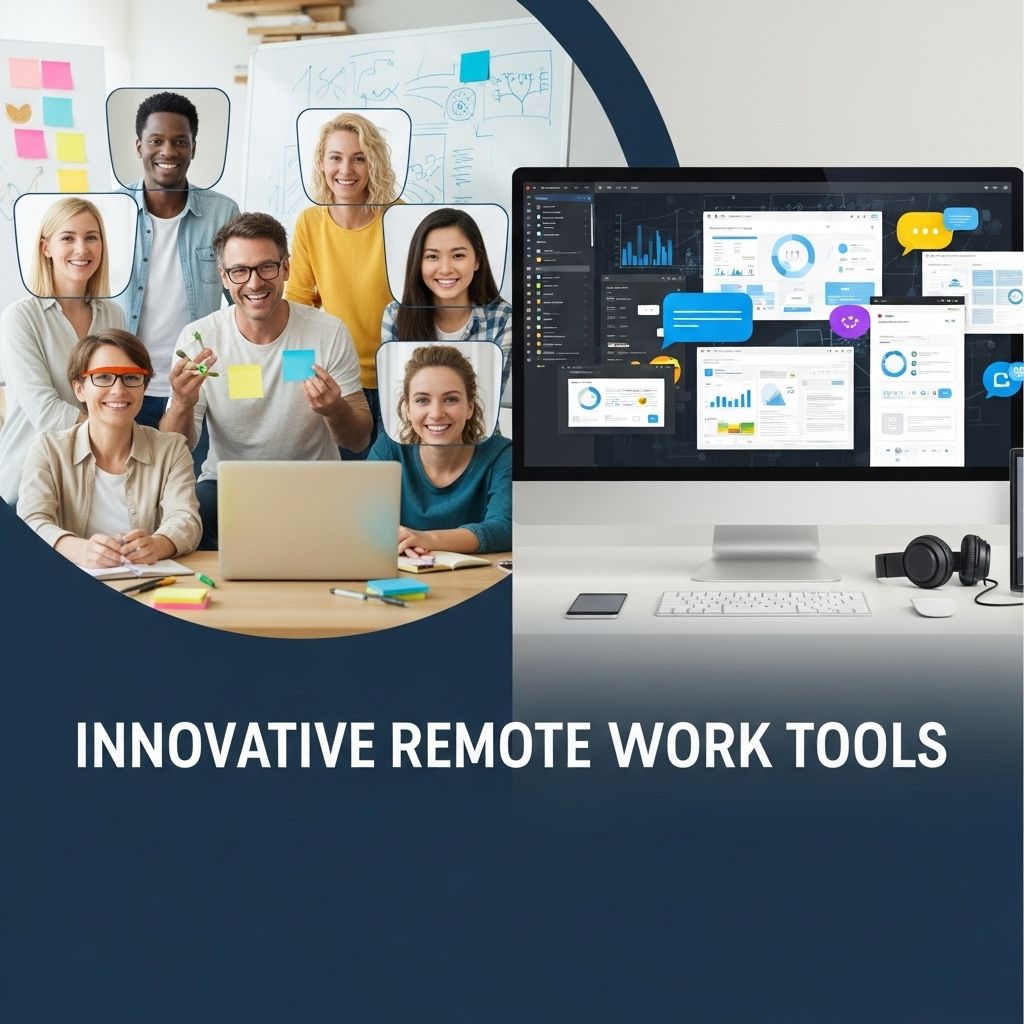

In an era where remote work has become a cornerstone of business operations, the demand for effective tools and software to facilitate collaboration, communication, and productivity has surged. Organizations are no longer confined to traditional office spaces, and teams are spread across different geographical locations. Here, we’ll dive deep into some innovative remote work tools and software that are transforming the way teams operate, making remote work more efficient and enjoyable.
Communication Tools
Effective communication is vital for remote teams. Here are some of the leading solutions that cater to diverse communication needs.
1. Slack
Slack has emerged as a powerful communication platform, providing a centralized hub for team conversations.
- Channels: Organize discussions by teams, projects, or topics to keep conversations focused.
- Integrations: Connect with dozens of other apps like Google Drive, Trello, and Zoom.
- Search Functionality: Easily locate past messages and files.
2. Microsoft Teams
This tool combines chat, video conferencing, and file sharing, streamlining workflows for Microsoft 365 users.
- Video Conferencing: Host HD video calls with screen sharing capabilities.
- File Collaboration: Work on documents in real-time directly within the platform.
- Security Features: Benefiting from Microsoft’s enterprise-grade security protocols.
Project Management Tools
Managing projects efficiently is crucial for remote teams. Here’s a look at some top project management software.
1. Trello
Trello uses a card-based system to help teams organize tasks and projects visually.
- Visual Layout: Easy drag-and-drop interface to prioritize tasks.
- Customizable Boards: Create boards tailored to different projects and workflows.
- Power-Ups: Enhance functionality with additional features like calendar views and automation.
2. Asana
Asana provides a more structured approach to project management with task assignments and deadlines.
- Task Assignment: Assign tasks to team members, set due dates, and track progress.
- Timeline View: Visualize project timelines and interdependencies.
- Reporting Tools: Generate reports to assess team productivity and project status.
Time Management and Productivity Tools
Time management is critical when working from home. Here are some tools that can help enhance productivity.
1. Clockify
This time tracking software is perfect for monitoring work hours and improving productivity.
- Time Tracking: Track billable and non-billable hours with ease.
- Reporting: Generate reports to analyze where time is being spent.
- Pomodoro Timer: Enhance focus by breaking work into intervals.
2. Todoist
Todoist is a task management app that helps individuals prioritize and manage their workloads effectively.
- Task Organization: Organize tasks by projects, due dates, and priority levels.
- Recurring Tasks: Set up tasks that recur daily, weekly, or monthly.
- Collaboration: Share projects and delegate tasks to team members.
File Sharing and Collaboration Tools
In a remote work environment, sharing files securely and collaborating on documents in real-time is essential.
1. Google Drive
Google Drive is a cloud storage service that allows teams to store, share, and collaborate on files.
- Collaboration: Multiple users can edit documents simultaneously.
- Access Control: Set permissions to manage who can view or edit files.
- Integration: Works seamlessly with Google Workspace applications.
2. Dropbox
Dropbox is another popular file-sharing tool that focuses on storage and sharing capabilities.
- File Synchronization: Automatically sync files across devices.
- Smart Sync: Access files without taking up storage space on your device.
- File Recovery: Retrieve deleted files easily within a specific timeframe.
Virtual Collaboration Spaces
Creating a collaborative virtual space can significantly improve team dynamics and innovation.
1. Miro
Miro is an online collaborative whiteboard platform that facilitates brainstorming and idea generation.
- Templates: Use pre-built templates for various activities like brainstorming, planning, and retrospectives.
- Real-time Collaboration: Multiple users can interact on the board simultaneously.
- Integration: Connect Miro with other tools like Slack, Trello, and Jira.
2. Gather
Gather provides a virtual office space where teams can meet in customizable environments.
- Avatars: Move your avatar around the space to interact with team members.
- Customizable Layouts: Create themed spaces for different team activities.
- Integrated Video Chat: Seamlessly switch to video calls as needed.
Conclusion
The landscape of remote work tools and software is extensive and continuously evolving. From communication platforms that connect teams, project management tools that streamline workflows, to innovative virtual spaces that foster collaboration, the right set of tools can significantly enhance productivity and teamwork. As remote work becomes the norm rather than the exception, selecting the right technologies is essential for maintaining efficiency and team cohesion.
FAQ
What are some innovative remote work tools for teams?
Innovative remote work tools include collaboration platforms like Slack and Microsoft Teams, project management software like Asana and Trello, and video conferencing tools like Zoom and Google Meet.
How can remote work software improve team productivity?
Remote work software enhances team productivity by enabling seamless communication, facilitating task management, and providing real-time collaboration features.
What features should I look for in remote work tools?
Key features to look for include user-friendly interfaces, integration with other tools, mobile accessibility, and robust security measures.
Are there any free remote work tools available?
Yes, several free remote work tools are available, such as Trello, Slack (with limited features), and Google Workspace (with basic functions).
How do remote work tools support team collaboration?
Remote work tools support collaboration through features like shared documents, real-time editing, and discussion threads that keep team members connected regardless of location.
What are the benefits of using project management software for remote teams?
Project management software helps remote teams by tracking progress, assigning tasks, setting deadlines, and providing visibility into project status, which is essential for maintaining accountability.


