
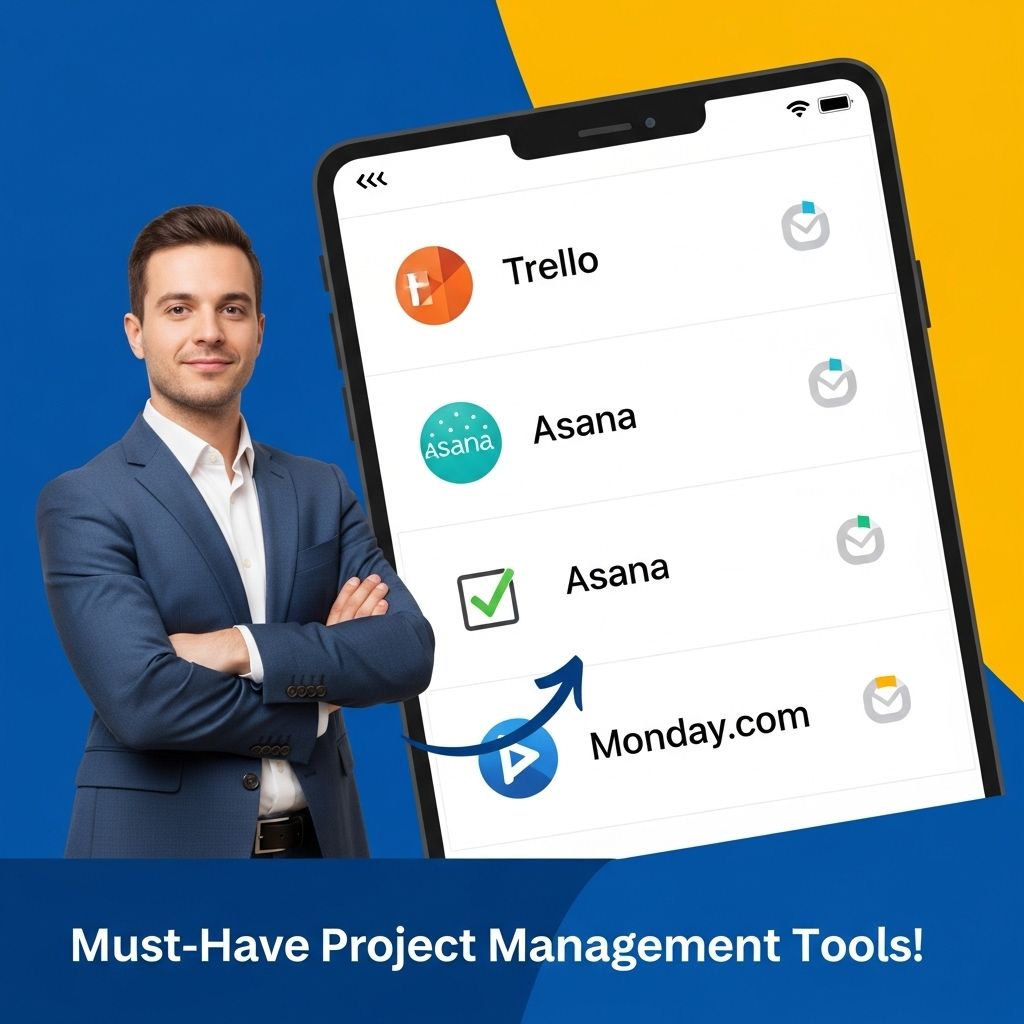

In today’s fast-paced world, managing projects efficiently is crucial for success in any business or organization. With a plethora of project management tools available, selecting the right one can significantly impact how teams collaborate, track progress, and meet deadlines. This article will delve into some of the must-have project management tools that can empower teams to achieve their goals, optimize workflow, and enhance productivity.
Understanding Project Management Tools
Project management tools are software applications designed to assist in the planning, organizing, and managing of resource tools and develop resource estimates. They help project managers and teams streamline their processes and ensure successful project delivery.
Key Features to Look For
- Task Management: Ability to create, assign, and track tasks.
- Collaboration: Tools that facilitate communication among team members.
- Time Tracking: Features that allow for tracking hours spent on tasks.
- Reporting: Generating reports to assess project progress and team productivity.
- Integrations: Compatibility with other tools and applications.
Top Project Management Tools
Here’s a curated list of some of the most effective project management tools available today:
1. Trello
Trello is a user-friendly tool that employs a card and board system to manage tasks visually. It’s great for small teams and individual projects.
- Features:
- Drag-and-drop functionality for easy task management.
- Customizable boards, lists, and cards.
- Power-ups to integrate with other apps.
2. Asana
Asana is known for its flexibility and extensive features that cater to teams of all sizes. It allows for various project views, including lists, boards, and timelines.
- Features:
- Task assignments and due dates.
- Dependency tracking to ensure tasks are completed in the correct order.
- Customizable dashboards and reporting tools.
3. Monday.com
This platform is designed to improve team collaboration and project tracking. It offers visualization tools to help teams stay on top of their tasks.
- Features:
- Workload view for resource management.
- Automation to reduce repetitive tasks.
- Integration with various third-party apps.
4. ClickUp
ClickUp aims to be an all-in-one solution for project management, offering extensive customization and a wide range of features.
- Features:
- Multiple views: list, board, Gantt, and calendar.
- Goal tracking and reporting capabilities.
- Custom statuses for tasks.
5. Microsoft Project
This is a robust project management software that provides advanced project scheduling, resource assignment, and tracking capabilities.
- Features:
- Gantt charts for project visualization.
- Resource management tools to allocate resources effectively.
- Integration with Microsoft Office Suite.
Choosing the Right Tool
Selecting the right project management tool depends on various factors including team size, project complexity, and specific needs. Here are steps to guide your selection process:
Step-by-Step Guide
- Assess your team’s needs: Determine what features are essential for your team’s workflow.
- Consider scalability: Choose a tool that can grow with your team and accommodate increasing project complexity.
- Evaluate ease of use: Select a tool that your team can adopt quickly to minimize disruption.
- Check compatibility: Ensure the tool integrates well with your existing systems.
- Look for customer support: Evaluate the vendor’s customer service and training resources.
Impact of Project Management Tools on Productivity
Effective project management tools can have a transformative effect on productivity. By fostering collaboration, enhancing visibility, and automating repetitive tasks, these tools allow teams to focus on what truly matters – delivering quality work on time.
Benefits of Using Project Management Tools
- Improved Communication: Centralized information reduces misunderstandings and keeps everyone on the same page.
- Enhanced Transparency: Provides visibility into project status, making it easier to identify bottlenecks early.
- Efficient Resource Allocation: Helps in balancing workloads among team members to optimize productivity.
- Time Savings: Automations and templates reduce the time spent on planning and reporting tasks.
Conclusion
In conclusion, project management tools have become indispensable in the modern workplace, driving efficiency and collaboration. Whether you are managing a small team or a large organization, investing in the right project management tool can lead to better outcomes and streamlined processes. Evaluate your team’s specific needs, explore the available options, and choose a tool that empowers your project management efforts to reach new heights.
FAQ
What are the essential project management tools for effective team collaboration?
Essential project management tools include task management software like Trello or Asana, communication platforms like Slack, and time tracking tools like Toggl.
How can project management tools improve productivity?
Project management tools streamline workflows, enhance communication, and provide visibility into project progress, which collectively boost team productivity.
What features should I look for in a project management tool?
Key features to look for include task assignment, deadline tracking, file sharing, reporting capabilities, and integrations with other software.
Are there free project management tools available?
Yes, there are several free project management tools such as Trello, ClickUp, and Wrike that offer essential features for small teams and projects.
How do I choose the right project management tool for my team?
Consider your team’s size, project complexity, required features, and budget when choosing a project management tool to ensure it meets your specific needs.
What are the benefits of using cloud-based project management tools?
Cloud-based project management tools allow for real-time collaboration, easy access from anywhere, automatic updates, and enhanced data security.


