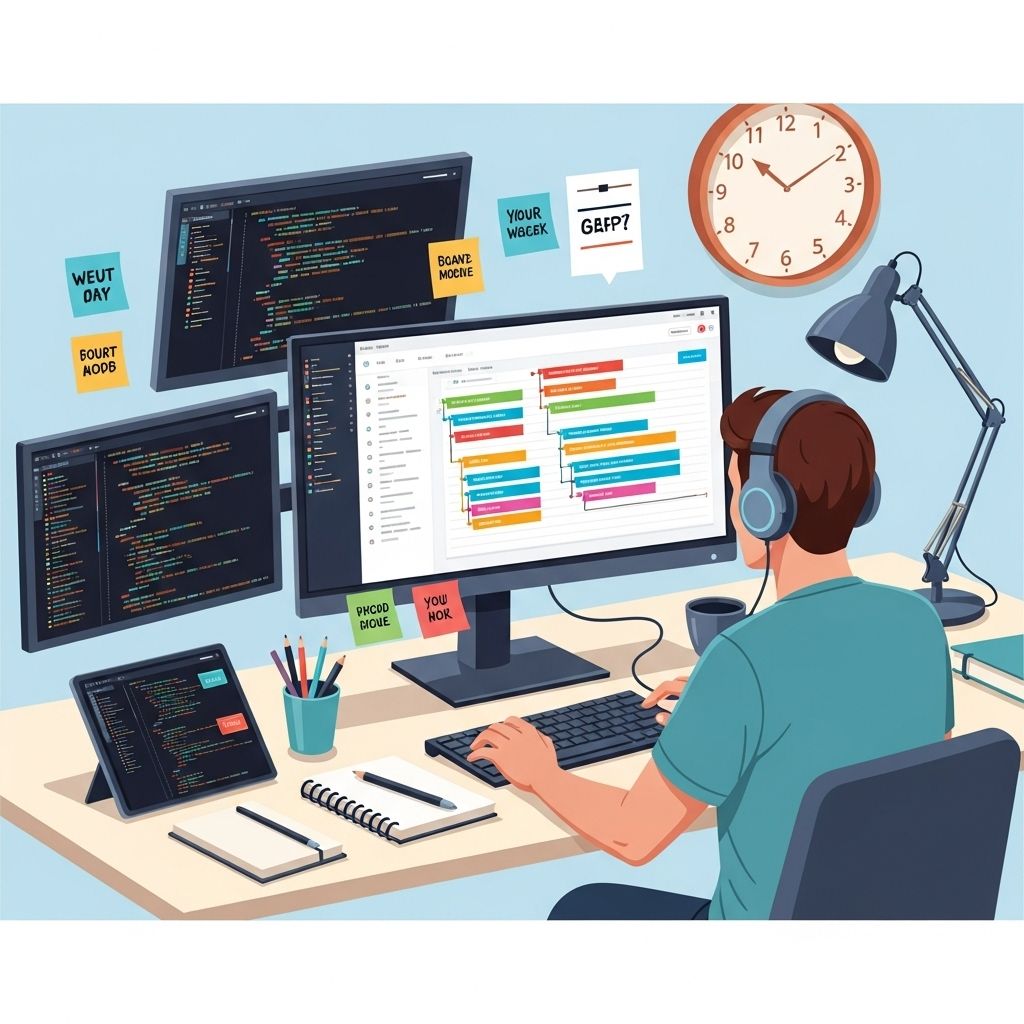

In the fast-paced world of software development, efficiency and productivity are paramount. Developers often juggle multiple tasks, from coding to debugging and collaboration. Fortunately, the digital landscape is rich with tools designed to streamline workflows, enhance collaboration, and ultimately boost productivity. This article explores some of the essential productivity tools that every developer should consider incorporating into their toolkit.
1. Code Editors and IDEs
The choice of a code editor is crucial for developers, as it directly impacts their coding efficiency. Here are some popular options:
- Visual Studio Code (VSCode) – A free, open-source code editor with a rich ecosystem of extensions and a built-in terminal.
- Sublime Text – Known for its speed and ease of use, it supports multiple programming languages and offers powerful features like split editing.
- JetBrains IntelliJ IDEA – A robust IDE primarily for Java but also supports many other languages. Its smart code completion and refactoring tools enhance productivity.
- Atom – A hackable text editor developed by GitHub, ideal for developers who enjoy customizing their tools.
2. Version Control Systems
Version control is essential in collaborative development environments. It allows developers to track changes, revert to previous versions, and collaborate seamlessly. The most widely used version control system is:
Git
Git is a distributed version control system that provides powerful branching and merging capabilities. Some popular platforms that host Git repositories include:
| Platform | Description |
|---|---|
| GitHub | Offers cloud hosting for Git repositories and collaboration features like pull requests. |
| GitLab | A comprehensive DevOps platform that includes Git repository management, CI/CD tools, and more. |
| Bitbucket | A platform for Git and Mercurial repositories, integrated with Atlassian tools like Jira. |
3. Project Management Tools
Managing tasks and projects effectively is key to maintaining productivity. The following tools are popular among developers:
Kanban and Agile Boards
Visual project management tools can help track progress and manage workloads:
- Trello – A flexible Kanban-style project management tool with boards, lists, and cards for organizing tasks.
- Jira – An advanced project management tool designed specifically for agile software development.
- Asana – A task management tool that helps teams coordinate and manage their work efficiently.
4. Communication and Collaboration Platforms
Effective communication is vital for any development team. Consider using the following platforms:
- Slack – A messaging app that allows for real-time communication and integrates with many other tools.
- Microsoft Teams – A collaboration platform that integrates with Office 365 and provides chat, video conferencing, and file sharing.
- Discord – Originally designed for gamers, it has become popular for team communication and collaboration.
5. Continuous Integration/Continuous Deployment (CI/CD) Tools
Automating the testing and deployment process is crucial for maintaining high-quality software. CI/CD tools include:
- Jenkins – An open-source automation server that supports building, deploying, and automating projects.
- CircleCI – A cloud-based CI/CD platform that integrates well with GitHub and Bitbucket.
- Travis CI – A popular CI service that integrates closely with GitHub repositories.
6. Time Management Tools
For developers who struggle with time management, the following tools can help increase productivity:
- Toggl – A time tracking tool that allows you to log time spent on different tasks.
- Pomodoro Timer – A simple timer that encourages focused work sessions followed by short breaks.
- RescueTime – A tool that tracks your computer usage and provides insights into how you spend your time.
7. Debugging Tools
Debugging is an essential part of development. Efficient debugging tools can save time and enhance productivity:
- Chrome DevTools – A set of web developer tools built into Google Chrome that helps in debugging web applications.
- Postman – A powerful tool for testing APIs, allowing developers to send requests and analyze responses easily.
- Fiddler – A web debugging proxy that can capture HTTP(S) traffic for debugging web applications.
8. Monitoring and Analytics Tools
Once your application is live, you need to monitor its performance. Here are some tools that can help:
- Google Analytics – A comprehensive analytics tool that provides insights into website traffic and user behavior.
- New Relic – An application performance monitoring tool that helps track the performance of your applications.
- Sentry – An error monitoring tool that helps developers identify and fix issues in real-time.
9. Learning and Development Resources
Continuous learning is vital in the tech industry. Developers should leverage online resources and platforms to stay updated:
- Coursera – Offers a range of courses from top universities and companies.
- Pluralsight – A tech skills platform with courses on various programming languages and technologies.
- Udemy – A marketplace for learning and teaching online, featuring a vast array of courses.
10. Conclusion
Incorporating the right tools into your development process can significantly enhance productivity, streamline workflows, and improve team collaboration. By leveraging code editors, version control systems, project management tools, and other essential resources, developers can focus more on coding and less on managing their environment. As technology continues to evolve, staying updated with the latest tools and best practices is imperative for success in the ever-changing landscape of software development.
FAQ
What are the top productivity tools for developers?
Some of the top productivity tools for developers include code editors like Visual Studio Code, project management tools like Trello and Jira, version control systems like Git, and collaboration platforms like Slack.
How can productivity tools improve my coding efficiency?
Productivity tools can streamline workflows, enhance collaboration, automate repetitive tasks, and provide better organization, allowing developers to focus more on coding and less on administrative tasks.
Are there any free productivity tools for developers?
Yes, there are many free productivity tools available, such as Git for version control, Visual Studio Code as a code editor, Trello for project management, and Slack for team communication.
What is the importance of version control in development?
Version control is crucial for tracking changes in code, facilitating collaboration among developers, and maintaining a history of project development, which helps in managing updates and resolving conflicts.
How can I choose the right productivity tools for my development team?
Choosing the right productivity tools involves assessing your team’s specific needs, considering the types of projects you work on, evaluating tool integrations, and ensuring ease of use for all team members.
What role does automation play in developer productivity?
Automation plays a significant role in developer productivity by reducing manual effort, minimizing errors, and accelerating repetitive tasks such as testing, deployment, and code reviews.