
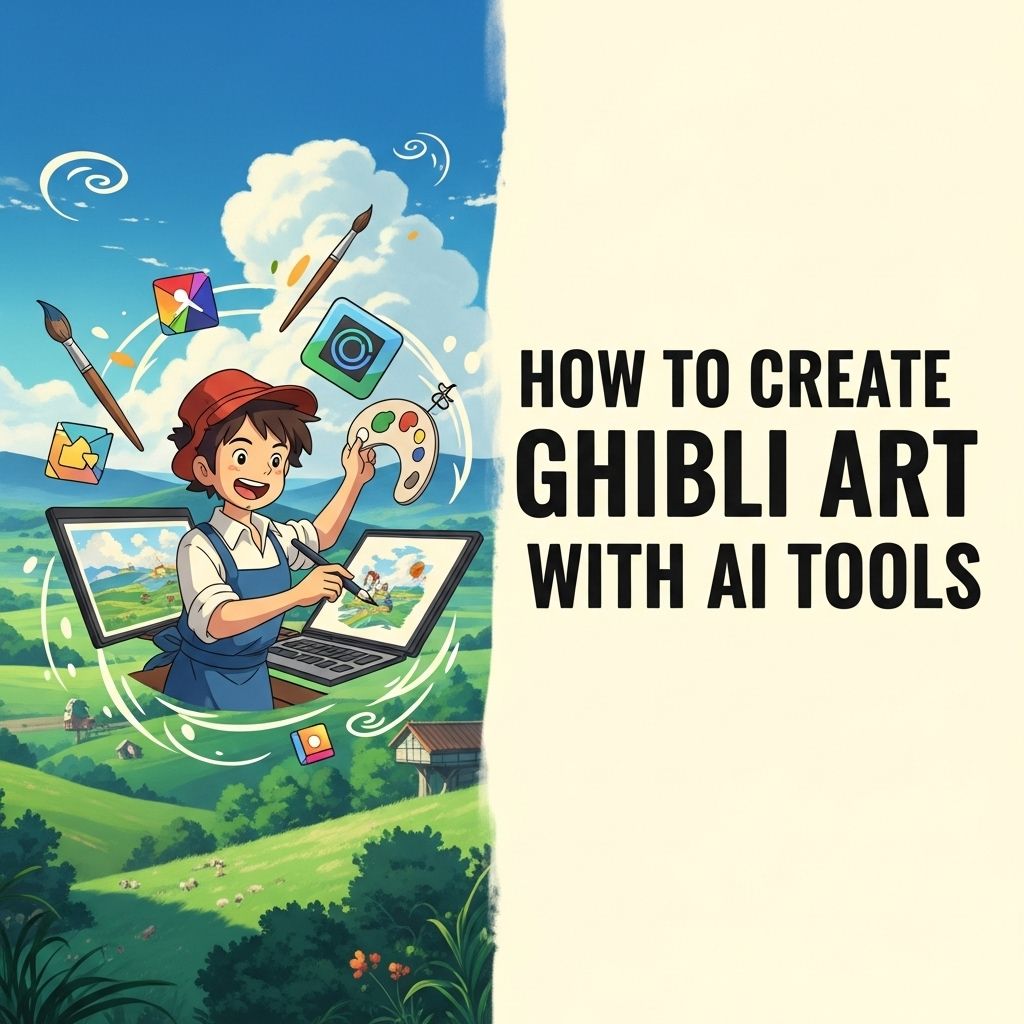

In the realm of digital art, artificial intelligence (AI) has emerged as a transformative technology, enabling artists to create stunning visuals that mirror the iconic styles of renowned studios such as Studio Ghibli. With the right AI tools, even those without profound artistic skills can generate enchanting artwork reminiscent of Ghibli’s enchanting landscapes and whimsical characters. This article delves into the process of creating Ghibli-style art using AI tools, offering insights, tips, and a guide to help you embark on your artistic journey.
Understanding Ghibli Aesthetics
Before diving into the creation process, it’s essential to understand what makes Ghibli art so distinctive. Studio Ghibli is celebrated for its:
- Vibrant colors and rich textures
- Detailed backgrounds that evoke a sense of wonder
- Whimsical characters with expressive features
- Nature-themed elements that promote environmental consciousness
These elements combine to create a magical atmosphere that resonates with audiences worldwide. Capturing this aesthetic requires a keen eye and the right tools.
Choosing the Right AI Tools
There are various AI tools available today that can assist in generating Ghibli-style artwork. Here are some popular options:
1. Midjourney
Midjourney is an AI art generator known for its ability to create stunning visuals based on textual prompts. To create Ghibli-style art, follow these steps:
- Join the Midjourney Discord server.
- Enter a command with specific prompts that reflect Ghibli themes, such as ‘a serene forest with mythical creatures.’
- Wait for the AI to generate several images based on your prompt.
2. DALL-E 2
DALL-E 2 by OpenAI is another powerful AI tool that excels at generating creative images from textual descriptions. Its advanced capabilities make it suitable for creating intricate Ghibli-like artwork.
3. Artbreeder
Artbreeder allows users to blend images and create unique artworks by modifying existing images. This tool is excellent for generating character designs that fit the whimsical style of Ghibli films.
Creating Your Ghibli-Inspired Art
Once you have chosen your AI tool, it’s time to start creating. Here’s a step-by-step guide to help you generate Ghibli-style artwork:
Step 1: Find Inspiration
Before generating your art, gather inspiration by exploring:
- Art books and concept art from Ghibli films
- Nature photography that captures the beauty of landscapes
- Fan art and community creations
Step 2: Crafting the Prompt
The effectiveness of AI tools heavily relies on how well you craft your prompts. Here are some tips for writing effective prompts:
- Be specific about the elements you want to include (e.g., ‘a whimsical village surrounded by lush forests’).
- Use adjectives that reflect the Ghibli style (e.g., ‘dreamy’, ‘magical’, ‘vibrant’).
- Incorporate emotions or themes (e.g., ‘a sense of adventure’, ‘nostalgia’).
Step 3: Generate and Experiment
After crafting your prompt, input it into the AI tool. Once the images are generated:
- Review the art and select your favorites.
- Experiment with different variations of your prompts to refine the results.
- Combine elements from multiple images using software like Photoshop.
Step 4: Enhance with Digital Editing
AI-generated art can often benefit from further refinement. Use digital editing tools to:
- Adjust colors and contrast to achieve a more vibrant look.
- Add textures that mimic hand-drawn elements.
- Incorporate additional details such as clouds, lighting effects, or characters.
Best Practices for Ghibli Art Creation
To ensure your Ghibli-inspired artworks stand out, consider the following best practices:
1. Study Ghibli Films
Watching Studio Ghibli films will help you understand the nuances of their art style. Pay attention to:
- Character designs and expressions
- Environmental storytelling
- Color palettes used in various scenes
2. Join Online Communities
Engaging with other artists can provide valuable feedback and inspiration. Join forums and social media groups dedicated to AI art and Ghibli fans. Here are some popular platforms:
- DeviantArt
- ArtStation
- Reddit (subreddits like r/Art or r/Ghibli)
3. Keep Practicing
Like any art form, practice is essential. Regularly experiment with different prompts and styles to improve your skills and develop your own unique interpretation of the Ghibli aesthetic.
Showcasing Your Work
Once you’ve created your Ghibli-style art, it’s time to share it with the world. Consider the following platforms for showcasing your creations:
1. Social Media
Platforms like Instagram, Pinterest, and Twitter are great for sharing visual art. Use relevant hashtags such as #GhibliArt or #AIArt to reach a broader audience.
2. Online Galleries
Websites like Behance or ArtStation allow you to create portfolios and showcase your work professionally.
3. Art Competitions
Participating in online art competitions can provide exposure and opportunities for recognition.
Conclusion
Creating Ghibli-style art using AI tools opens up a world of possibilities for both aspiring and seasoned artists. By understanding the aesthetic, selecting the right tools, and following a structured approach, anyone can craft beautiful and evocative artwork reminiscent of Studio Ghibli’s magical storytelling. Embrace the journey and let your creativity flow as you meld technology with artistic expression.
FAQ
What are the best AI tools for creating Ghibli-style art?
Some of the best AI tools for creating Ghibli-style art include Midjourney, DALL-E, and Artbreeder, which allow users to generate unique art pieces inspired by Studio Ghibli’s distinctive style.
Do I need artistic skills to create Ghibli art with AI?
No, you don’t need advanced artistic skills to create Ghibli art with AI. These tools are designed to help users generate art based on prompts and existing styles, making it accessible to everyone.
How can I ensure my AI-generated art resembles Ghibli’s aesthetic?
To ensure your AI-generated art resembles Ghibli’s aesthetic, use specific prompts that include keywords like ‘whimsical,’ ‘nature,’ and ‘fantasy,’ and experiment with style settings within the AI tool.
Can I use AI-generated Ghibli art for commercial purposes?
The usage rights for AI-generated art vary by tool. Always check the specific terms of service for the AI tool you are using to understand if and how you can use the art commercially.
What are some common themes in Ghibli art that I can incorporate?
Common themes in Ghibli art include nature, friendship, adventure, and magical realism. Incorporating these themes into your prompts can help create more authentic Ghibli-inspired art.
Are there any tutorials available for creating Ghibli art with AI tools?
Yes, there are various online tutorials and guides available on platforms like YouTube and art forums that provide step-by-step instructions on using AI tools to create Ghibli-style art.


