
In the digital age, content creation has emerged as a powerful tool for individuals and businesses alike. Whether you’re a blogger, a social media manager, or a budding YouTuber, mastering the art of content creation is essential for connecting with your audience and building an online presence. This article explores various content creation tools designed for beginners, offering insights into how these tools can enhance creativity, streamline processes, and ultimately produce engaging content.
Understanding Content Creation Tools
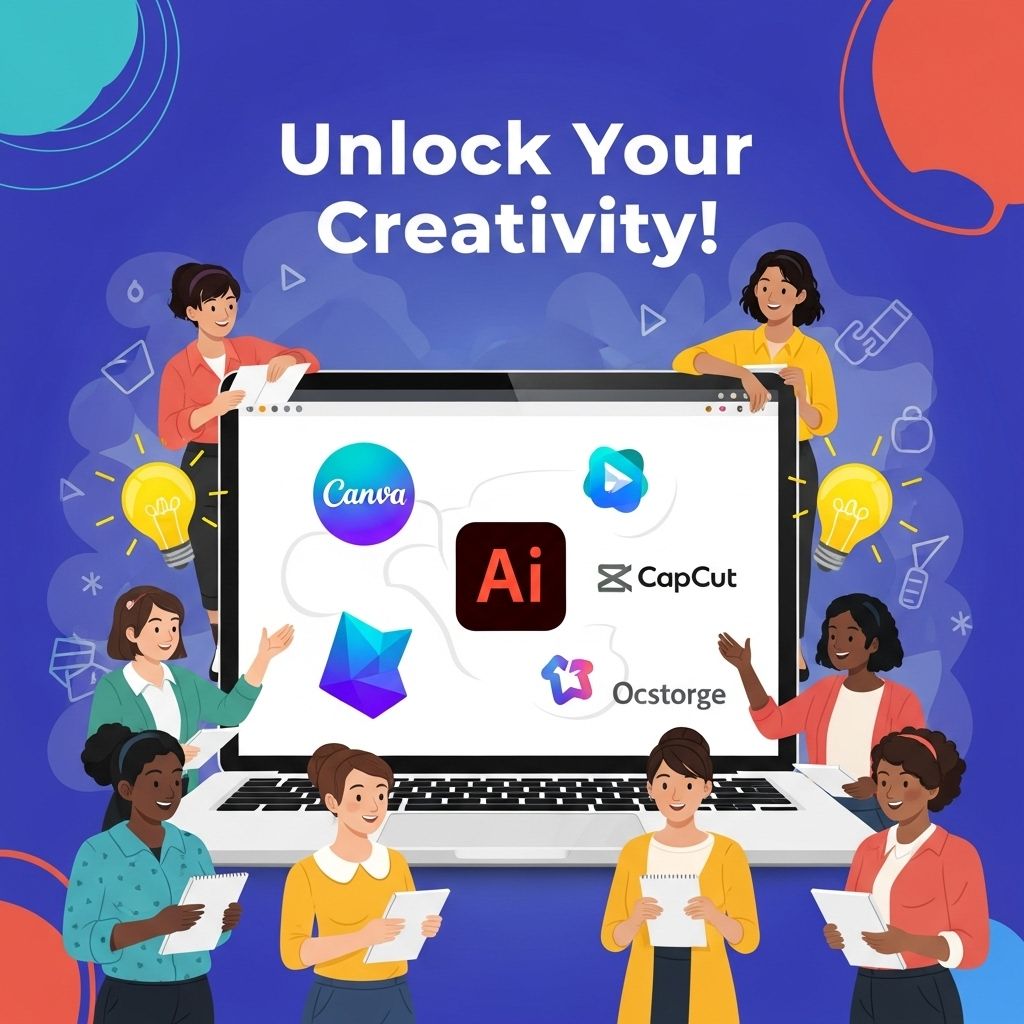
Content creation tools are software applications designed to simplify the process of crafting, editing, and distributing content across various platforms. These tools can help with writing, graphic design, video editing, and social media management. By leveraging these tools, beginners can produce professional-quality content without needing extensive expertise.
Types of Content Creation Tools
- Writing Tools: Applications that assist in drafting articles, blog posts, and scripts.
- Graphic Design Tools: Software that enables users to create visuals like infographics, social media posts, and banners.
- Video Editing Tools: Programs that allow for the editing and production of videos.
- Social Media Management Tools: Platforms that help in scheduling, analyzing, and managing social media content.
Key Features to Look for in Content Creation Tools
When selecting content creation tools, consider these essential features to maximize your effectiveness:
- User-Friendly Interface: Tools should be intuitive, especially for beginners.
- Collaboration Features: Ability to work with others in real-time.
- Integration Capabilities: Compatibility with other apps and platforms you may already use.
- Templates and Resources: Pre-built templates can save time and enhance creativity.
- Customer Support: Access to help and tutorials when needed.
Popular Content Creation Tools for Beginners
Here’s a breakdown of some of the most recommended content creation tools available:
| Tool | Category | Description |
|---|---|---|
| Canva | Graphic Design | Online tool for creating stunning visuals with drag-and-drop functionality. |
| Grammarly | Writing | Writing assistant that helps with grammar, style, and tone. |
| Buzzsprout | Audio/Podcasting | Easy-to-use podcast hosting and distribution platform. |
| Adobe Spark | Graphic Design | Create graphics, web pages, and videos in minutes with templates. |
| Hootsuite | Social Media Management | Manage and schedule posts across multiple social media accounts. |
Getting Started with Content Creation
Now that we have an understanding of content creation tools, let’s explore how beginners can effectively use these tools to create high-quality content.
Step 1: Define Your Content Strategy
Before diving into content creation, it’s crucial to have a clear content strategy. Here are some points to consider:
- Target Audience: Identify who your audience is and what type of content resonates with them.
- Content Goals: Determine what you want to achieve – brand awareness, engagement, education, etc.
- Content Types: Decide on the types of content you will create – articles, videos, infographics, etc.
Step 2: Choose the Right Tools
Select tools that align with your content strategy. For instance, if you plan on creating a blog, writing tools like Grammarly and Google Docs are invaluable, whereas graphic-heavy content may benefit from Canva or Adobe Spark.
Step 3: Create a Content Calendar
A content calendar helps you plan and organize your content ahead of time. This can include:
- Publication dates
- Content titles
- Promotional strategies
Sample Content Calendar Template
| Date | Content Title | Platform | Status |
|---|---|---|---|
| 01/01/2023 | Intro to Blogging | Blog | Drafting |
| 01/05/2023 | Social Media Tips | Scheduled | |
| 01/10/2023 | Video Editing Basics | YouTube | Completed |
Tips for Engaging Content Creation
Creating engaging content goes beyond just using the right tools. Here are some additional tips:
Focus on Quality Over Quantity
It’s better to produce fewer high-quality pieces than numerous mediocre ones. Take the time to research and ensure your content provides value to your audience.
Utilize Visuals
Incorporating visuals can significantly enhance engagement rates. Use infographics, images, and videos to break up text and make your content more visually appealing.
SEO Optimization
Search Engine Optimization (SEO) is vital for visibility. Use keywords appropriately, optimize image alt texts, and create meta descriptions to improve your content’s ranking on search engines.
Measuring Your Content’s Success
After publishing your content, it’s important to evaluate its performance. Track metrics such as:
- Page views
- Engagement rates (likes, shares, comments)
- Conversion rates
Tools like Google Analytics can provide insights into how your audience interacts with your content, allowing you to refine and improve future efforts.
Continuous Learning and Improvement
Finally, content creation is an evolving field. Stay updated with the latest trends and tools by:
- Attending workshops and webinars.
- Reading industry blogs and publications.
- Engaging with other creators for tips and best practices.
By continuously learning and adapting, you can sharpen your skills and create even more impactful content.
In conclusion, the journey of content creation may seem daunting for beginners, but with the right tools and strategies, anyone can become a proficient creator. Start small, experiment, and most importantly, have fun with the process!
FAQ
What are content creation tools?
Content creation tools are software or applications that help users create, edit, and manage digital content such as text, images, videos, and audio.
Why should beginners use content creation tools?
Beginners should use content creation tools to enhance their productivity, improve the quality of their content, and streamline the creative process, making it easier to produce engaging materials.
What are some popular content creation tools for beginners?
Some popular content creation tools for beginners include Canva for graphic design, Grammarly for writing assistance, and Adobe Spark for video creation.
How can I choose the right content creation tool for my needs?
To choose the right tool, consider your content type, specific features you need, ease of use, and whether the tool fits your budget.
Are there free content creation tools available?
Yes, many content creation tools offer free versions or trials, such as Canva, Google Docs, and Audacity, allowing beginners to explore without financial commitment.
How can I improve my content creation skills using these tools?
You can improve your skills by practicing regularly, following tutorials, exploring new features, and seeking feedback on your work from peers or online communities.