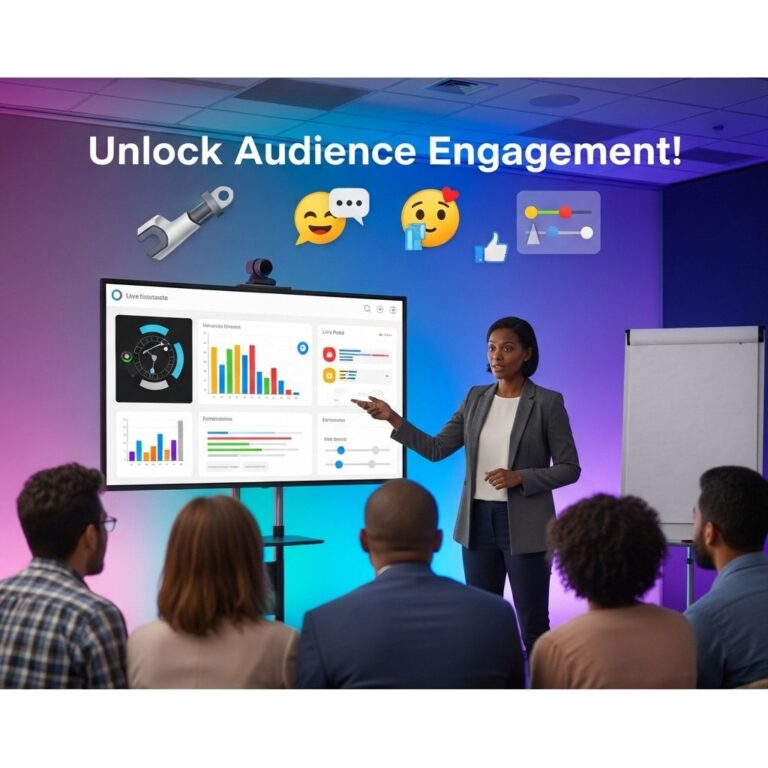
In the dynamic world of presentations, engaging your audience is crucial for achieving your objectives. Whether you’re pitching an idea, delivering a lecture, or showcasing a project, the way you present information can significantly impact how well it’s received. With the advancement of technology, numerous tools have emerged to enhance audience interaction and engagement. This article dives into various strategies and tools that can help you elevate your presentation game.
Understanding Audience Engagement
Audience engagement refers to the process of capturing and maintaining the attention of your listeners. It involves creating a connection that encourages participation and interest. Engaged audiences are more likely to absorb information, ask questions, and provide feedback, which can lead to a more dynamic and productive presentation.
Essential Tools for Enhancing Engagement
Below are some essential tools and techniques that you can integrate into your presentations to boost audience engagement:
1. Interactive Presentation Software
Using interactive presentation software can make a significant difference in how your audience receives your content. Here are some popular platforms:
- Prezi: Offers a zoomable canvas for non-linear storytelling.
- Microsoft PowerPoint: A classic choice with advanced features like morph transitions and interactive elements.
- Google Slides: Great for collaboration and real-time editing.
- Canva: Provides visually appealing templates and easy drag-and-drop functionality.
2. Audience Polling Tools
Polling tools allow presenters to gather real-time feedback and gauge audience opinions. Some effective options include:
- Slido: Enables live polls and Q&A sessions, integrating seamlessly with various presentation tools.
- Kahoot: A game-based learning platform that turns polls into fun quizzes.
- Mentimeter: Allows audience members to respond to polls and questions via their smartphones.
3. Live Q&A Sessions
Encouraging questions during or after your presentation fosters interaction. Consider using tools like:
- Zoom: Offers chat features and Q&A functionality for virtual presentations.
- Miro: A collaborative whiteboard platform that lets participants leave questions or comments in real-time.
- Microsoft Teams: Useful for structured Q&A sessions within a team environment.
Strategies to Enhance Engagement
Besides tools, several strategies can enhance audience engagement:
1. Storytelling Techniques
Storytelling is a powerful way to connect with your audience. Use narratives to illustrate your points, making them relatable and memorable. Here are some tips:
- Begin with a hook that grabs attention.
- Include personal anecdotes to humanize your message.
- Use a clear structure: beginning, middle, and end.
2. Visual Aids
Visual aids significantly enhance audience comprehension. Consider incorporating:
- Infographics for complex data.
- Charts and graphs to represent statistics visually.
- Videos that can break up the monotony and provide a different perspective.
3. Gamification
Incorporating game elements can make presentations more enjoyable. Here’s how to do it:
- Introduce leaderboards to track audience participation.
- Create challenges or trivia related to your topic.
- Offer rewards or recognition for participation.
Analytics and Feedback
Collecting feedback is essential to refining your presentation skills. Use analytics tools to measure engagement levels. Some recommendations include:
- Google Analytics: For tracking website engagement if your presentation is web-based.
- SurveyMonkey: To gather feedback on your presentation effectiveness post-event.
- Typeform: An interactive form builder that can capture audience insights.
Case Studies: Successful Engagement Strategies
Examining case studies can provide insights into effective strategies. Let’s look at two examples:
| Case Study | Description | Tools Used |
|---|---|---|
| Company A | Incorporated gamification in a sales pitch, resulting in a 50% increase in audience retention. | Kahoot, Slido |
| University B | Utilized storytelling methods in lectures, resulting in improved student participation. | Prezi, Zoom |
Best Practices for Implementation
To effectively implement these tools and strategies, consider the following best practices:
- Know your audience: Tailor your content and approach to meet their interests and needs.
- Practice: Rehearse your presentation to ensure smooth delivery.
- Be adaptable: Be prepared to adjust your approach based on real-time audience feedback.
Conclusion
In today’s fast-paced environment, keeping your audience engaged is more important than ever. By leveraging a combination of interactive tools and effective strategies, you can transform your presentations into memorable experiences that resonate with your audience. Remember, engagement is not just about delivering content; it’s about creating a dialogue and fostering a connection that extends beyond the presentation itself.
FAQ
What tools can I use to boost audience engagement during presentations?
You can use interactive tools like Mentimeter, Slido, and Kahoot to create polls, quizzes, and Q&A sessions that keep your audience engaged.
How can I incorporate audience feedback into my presentations?
Utilize real-time polling and feedback tools to gather audience opinions and adjust your presentation on the fly based on their responses.
What are some effective techniques to maintain audience interest during a presentation?
Incorporate storytelling, visuals, and interactive elements such as discussions or group activities to maintain audience interest throughout your presentation.
How can I use social media to enhance audience engagement in my presentations?
Encourage your audience to share their thoughts and questions on social media platforms using a specific hashtag related to your presentation.
What role do visuals play in audience engagement during presentations?
Effective visuals can help convey your message more clearly, capture attention, and facilitate better understanding, thus increasing audience engagement.
How can I measure audience engagement during my presentation?
You can measure engagement through audience response systems, feedback forms, and by observing non-verbal cues such as body language and attentiveness.