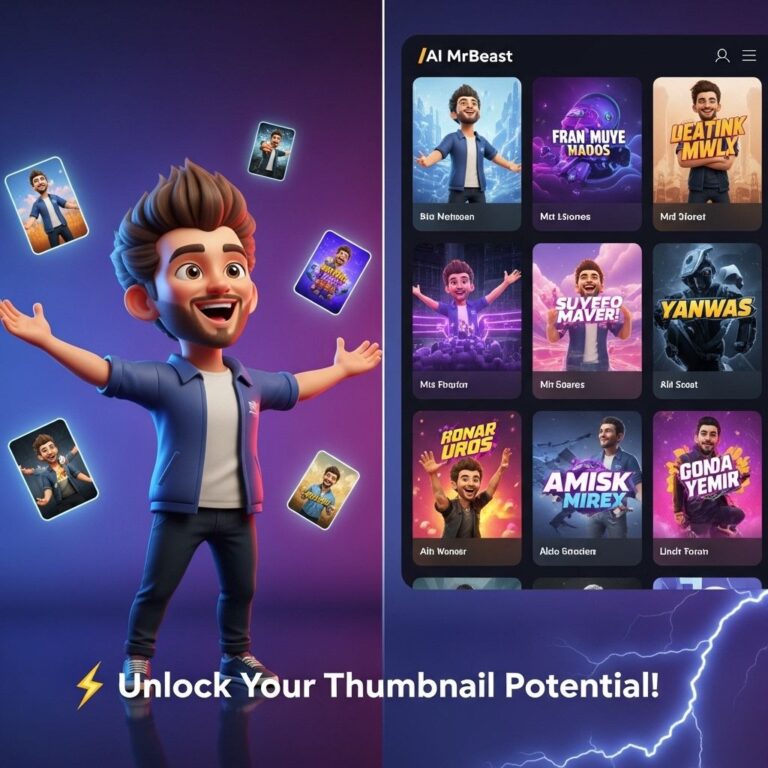
Creating an eye-catching YouTube thumbnail is essential for attracting viewers and boosting video engagement. The thumbnail serves as the first impression of your video, so it needs to convey the content effectively while standing out among the myriad of videos on the platform. In this article, we will explore innovative and effective thumbnail ideas that can help you increase your views and enhance your channel’s overall performance.
The Importance of Thumbnails
Thumbnails are often the deciding factor for users when they are scrolling through their feed. A well-designed thumbnail can:
- Grab the viewer’s attention.
- Provide a glimpse of the video content.
- Improve click-through rates (CTR).
- Establish your brand identity.
1. Bold Text Overlays
Using bold, large fonts for the text overlay can significantly increase readability, even on smaller screens. Here are some tips:
- Use contrasting colors to make the text pop.
- Limit text to 3-5 words for clarity.
- Position text strategically to complement the imagery.
Example
For a cooking channel, a thumbnail could feature a large, bold text saying “Quick & Easy Recipes” alongside a vibrant image of the dish.
2. High-Quality Images
The image quality of your thumbnail can significantly impact viewer perception. Utilize:
- HD images that are well-lit and clear.
- Images that reflect the video’s theme.
- Original content over stock photos when possible.
Example
A tech review video should display a crisp image of the product in use, showcasing its features in a clear manner.
3. Consistent Branding
Establishing a recognizable brand identity is crucial. Consistency can be achieved through:
- Utilizing a specific color palette.
- Incorporating your logo into every thumbnail.
- Maintaining a similar design layout across videos.
Example
If your channel has a specific theme color, always use it in your thumbnails to create a cohesive look.
4. Emotional Faces
Human expressions can evoke emotions and curiosity. Consider the following:
- Use close-up shots of faces showing emotions related to the video content.
- Faces with exaggerated expressions capture attention more effectively.
- Mix emotions based on video context—for example, surprise or excitement.
Example
A reaction video thumbnail featuring a shocked face will likely entice viewers to find out what caused the reaction.
5. Use of Arrows and Shapes
Incorporating arrows, circles, or other shapes can draw attention to specific areas of the thumbnail. Here’s how:
- Use arrows to point towards the main subject of the thumbnail.
- Utilize shapes to create a frame around your image.
- Ensure these elements do not overpower the main visuals.
Example
In a DIY project video, an arrow pointing to a key tool can indicate its importance in the process.
6. Minimalist Designs
Sometimes less is more. A clean, minimalist design can effectively highlight your message. Tips include:
- Use negative space to avoid clutter.
- Choose one focal point for the thumbnail.
- Limit text and let the image tell the story.
Example
A tutorial video can feature just the final product in a sleek setting, drawing viewers in without distraction.
7. Text Contrast and Visibility
Making sure your text is visible against the background is essential. Here are strategies to achieve this:
- Use shadow or outline effects on text.
- Experiment with text placement to find optimal visibility.
- Test different backgrounds to see what enhances legibility.
Example
A travel vlog thumbnail showing a picturesque landscape with contrasting text can invite viewers to click.
8. Seasonal or Trendy Themes
Aligning your thumbnails with current trends or seasons can help capitalize on timely interests. Consider:
- Incorporating seasonal colors or icons—like pumpkins in autumn.
- Utilizing popular memes or trends relevant to your topic.
- Adapting thumbnails for holidays to pique interest.
Example
A fitness channel could use holiday-themed graphics in December to promote workout routines for New Year resolutions.
9. Teasers and Curiosity
Create intrigue by providing just enough information to pique curiosity. Utilize:
- A question in the thumbnail to prompt engagement.
- Partially obscured images to hint at the content.
- Intriguing phrases that promise valuable information.
Example
A mystery unboxing video could use a partially covered product image to entice viewers to discover what it is.
10. A/B Testing Your Thumbnails
Finally, it’s crucial to analyze the performance of your thumbnails. Consider these steps:
- Use YouTube Analytics to track CTR for different thumbnails.
- Experiment with variations on similar videos.
- Refine based on viewer response and feedback.
Conclusion
In conclusion, crafting the perfect YouTube thumbnail is a blend of art and science. By implementing these ideas and continuously testing your approaches, you can greatly enhance your visibility and engagement on the platform. Remember, your thumbnail is often the first thing a potential viewer will notice, so make it count!
FAQ
What are some effective YouTube thumbnail ideas?
Some effective YouTube thumbnail ideas include using bold text, contrasting colors, close-up images, facial expressions, and incorporating a consistent theme or branding.
How can I make my YouTube thumbnails stand out?
To make your YouTube thumbnails stand out, use high-quality images, create a sense of curiosity, add a pop of color, and ensure your text is legible even in small sizes.
What role do thumbnails play in increasing YouTube views?
Thumbnails play a crucial role in increasing YouTube views as they are the first visual impression viewers get, influencing their decision to click on your video.
Should I include text in my YouTube thumbnails?
Yes, including text in your YouTube thumbnails can help convey the video’s main point or hook, making it more appealing to potential viewers.
How often should I update my YouTube thumbnails?
You should consider updating your YouTube thumbnails periodically, especially for older videos, to refresh their appeal and potentially increase their visibility.
What are common mistakes to avoid when creating YouTube thumbnails?
Common mistakes to avoid when creating YouTube thumbnails include overcrowding with too much text, using low-quality images, and failing to maintain consistent branding.