
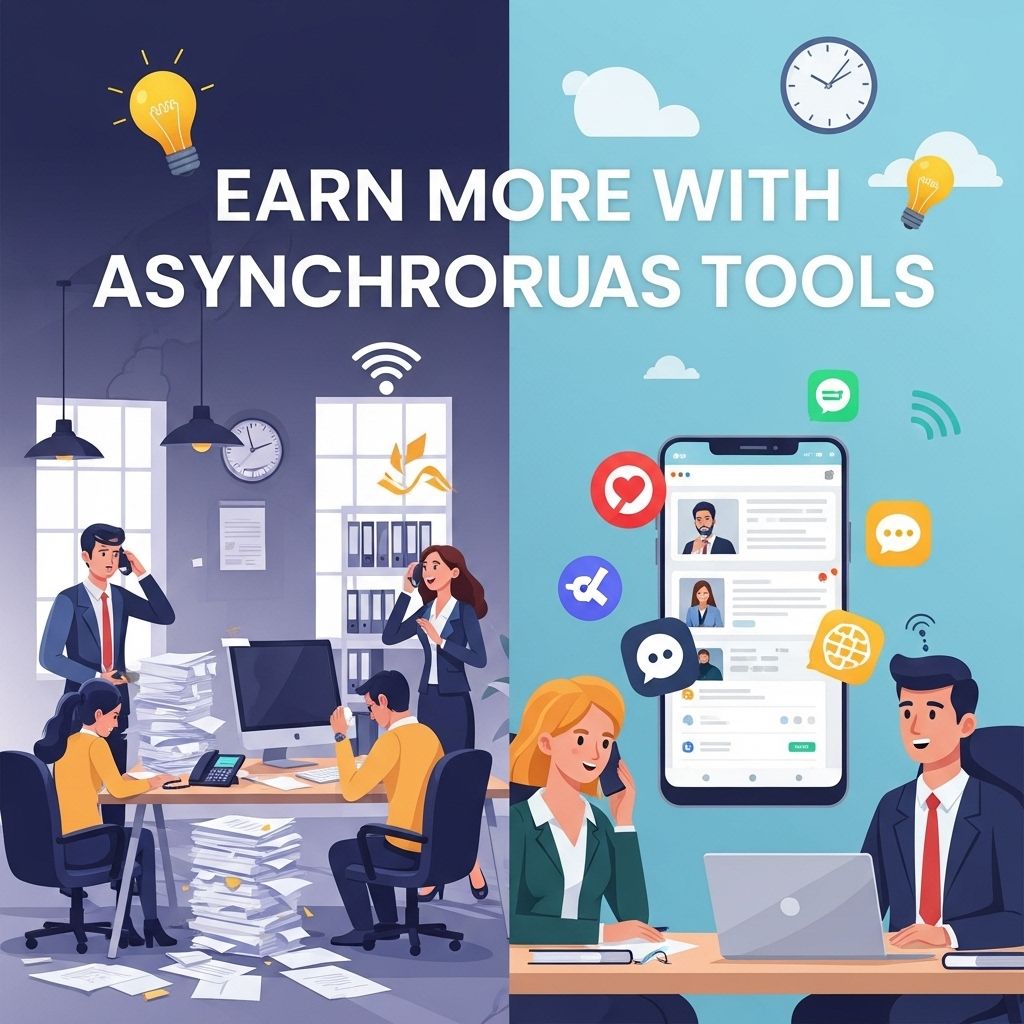

In today’s fast-paced digital environment, effective communication is paramount for enhancing productivity and efficiency in teams. Asynchronous communication tools have emerged as a revolutionary way to streamline interactions, allowing individuals to communicate without needing to be available simultaneously. This article delves into the significance of these tools, their advantages, and how they can lead to increased earnings and improved workflows.
Understanding Asynchronous Communication
Asynchronous communication refers to any type of communication that does not require all participants to be engaged at the same time. Unlike synchronous communication methods, such as phone calls or video conferences, asynchronous tools allow users to send messages and receive responses at their convenience.
Examples of Asynchronous Communication Tools
- Email: A traditional yet still widely-used medium for business communication that allows users to send messages and files.
- Project Management Tools: Platforms like Trello, Asana, and Jira enable teams to collaborate on projects without needing to be online simultaneously.
- Instant Messaging: Tools such as Slack or Microsoft Teams provide channels for team discussions that can be accessed at any time.
- Video Messages: Services like Loom allow users to record video messages, making it easier to convey complex information.
The Advantages of Asynchronous Communication
The shift towards asynchronous communication brings numerous advantages that can lead to enhanced productivity and profitability:
1. Increased Flexibility
Team members can respond to communications at their convenience, which is especially beneficial for teams spread across different time zones.
2. Reduced Meeting Fatigue
By minimizing the number of required meetings, teams can focus on their tasks without interruptions. Asynchronous tools enable the sharing of information without needing to gather everyone at once.
3. Enhanced Documentation
All communications are typically recorded, allowing for easy reference and reducing the chances of miscommunication.
4. Improved Focus and Productivity
Asynchronous communication allows employees to manage their time better, enabling them to concentrate on critical tasks without constant distractions.
Implementing Asynchronous Communication Tools
Transitioning to asynchronous communication requires careful planning and implementation. Here are crucial steps to ensure a smooth transition:
Step 1: Assess Communication Needs
Identify the specific communication needs of your team. Consider the following:
- What tasks require real-time communication?
- Which team members work remotely or in different time zones?
- What information is regularly shared among team members?
Step 2: Choose the Right Tools
Select tools that fit your team’s communication style and needs. Factors to consider include:
- User interface and ease of use
- Integration with existing tools and platforms
- Compliance and security features
Step 3: Train Team Members
Ensure that all team members are trained on how to use the chosen tools effectively. This training can include:
- Best practices for message clarity
- How to set notifications to stay updated without becoming overwhelmed
- Guidelines for responding promptly to maintain workflow
Step 4: Establish Communication Protocols
Set clear expectations about how and when to use asynchronous tools. This should include:
- Response time guidelines
- Preferred platforms for specific types of communication
- Methods for escalating urgent issues
Challenges of Asynchronous Communication
While there are numerous benefits, it’s important to acknowledge potential challenges:
1. Miscommunication
No face-to-face interaction can sometimes lead to misunderstandings. Clear and concise messaging is essential.
2. Delayed Responses
Not everyone may respond as quickly as desired, which can hinder urgent decision-making.
3. Over-Reliance on Written Communication
Some nuances of conversation can be lost in written form, and important non-verbal cues are absent.
Maximizing Earnings with Asynchronous Communication
Employing asynchronous communication tools can significantly impact a company’s bottom line. Here’s how:
1. Cost Savings
Reducing the number of meetings and associated costs can free up financial resources. This includes:
- Lowering overhead costs related to meeting spaces
- Minimizing time lost in transit for in-person meetings
2. Increased Employee Satisfaction
Flexible communication options can lead to higher job satisfaction, reducing turnover rates and the costs associated with recruiting and training new employees.
3. Enhanced Collaboration
Effective asynchronous communication fosters teamwork and innovation, ultimately leading to better products and services that can drive revenue.
Conclusion
Asynchronous communication tools represent a significant advancement in how teams collaborate and interact. By embracing these technologies, companies can experience improved flexibility, productivity, and overall profitability. As the landscape of work continues to evolve, integrating asynchronous communication into your workflow not only positions your team for success but also ensures that you are prepared for the future of work.
FAQ
What are asynchronous communication tools?
Asynchronous communication tools are platforms that allow individuals or teams to communicate without the need for real-time interaction, enabling flexibility in response times.
How can asynchronous communication tools increase productivity?
These tools can enhance productivity by allowing team members to engage in discussions and share information at their convenience, reducing the pressure of immediate responses.
What are some examples of asynchronous communication tools?
Examples include email, project management software like Trello or Asana, messaging apps like Slack, and collaboration platforms like Google Docs.
What are the benefits of using asynchronous communication in remote teams?
Asynchronous communication allows remote teams to work across different time zones effectively, facilitates documentation of conversations, and reduces meeting fatigue.
Can asynchronous communication lead to better team collaboration?
Yes, it can foster better collaboration by providing a structured way to share ideas and updates, allowing all team members to contribute at their own pace.


