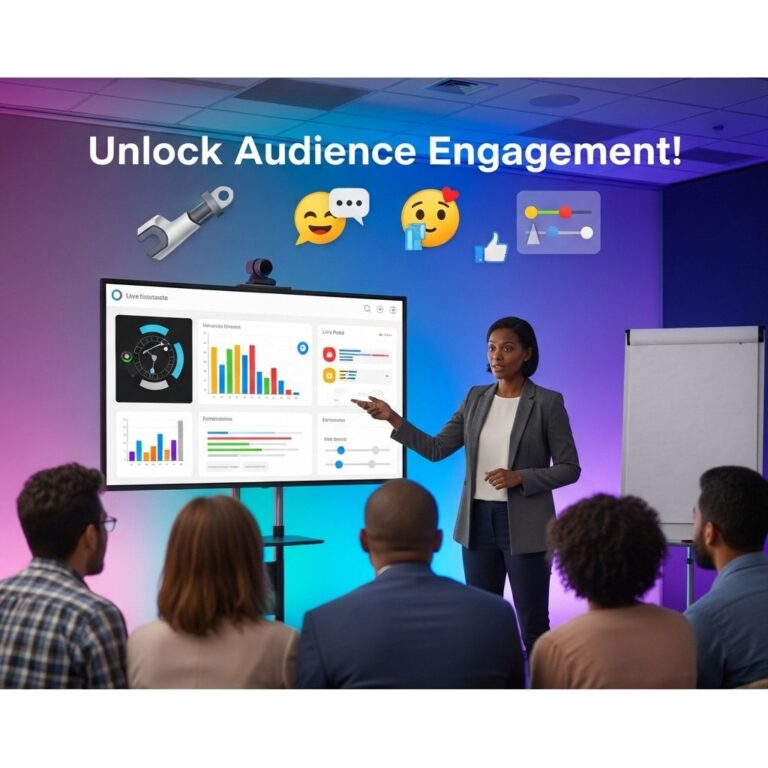

In today’s fast-paced digital landscape, captivating your audience during presentations can be a daunting task. With attention spans dwindling and distractions lurking around every corner, it’s crucial to leverage innovative tools that not only engage your audience but also enhance your message. This article explores five powerful audience engagement tools designed to transform your presentations into interactive experiences that resonate with your audience.
1. Mentimeter
Mentimeter is an interactive presentation platform that allows you to create engaging polls, quizzes, and Q&A sessions seamlessly. With its user-friendly interface, you can easily gauge audience opinions and foster real-time discussions.
Key Features:
- Live Polling: Instantly collect feedback and opinions from your audience.
- Quizzes: Create fun and informative quizzes to reinforce learning.
- Word Clouds: Visualize audience responses in real-time.
- Q&A Sessions: Enable audience members to ask questions anonymously.
How to Use Mentimeter:
- Sign up for a free account on Mentimeter.
- Create your presentation and insert interactive elements.
- Share the presentation code with your audience.
- Analyze the results live as your audience participates.
2. Slido
Slido is a versatile tool that integrates with popular presentation software like PowerPoint, Google Slides, and Webex. It enhances audience interaction by facilitating Q&A sessions and live polling, making it perfect for both virtual and in-person events.
Benefits of Using Slido:
- Seamless Integration: Works with existing presentation tools.
- Easy to Use: Simple setup and user-friendly interface.
- Analytics: Access insightful data about audience engagement.
Best Practices:
- Encourage questions throughout your presentation to keep the audience engaged.
- Use polls to break up lengthy segments and refresh attention.
- Share poll results to foster discussions and insights.
3. Kahoot!
Kahoot! is not just for classrooms; it’s a fantastic tool for corporate events and conferences too. This game-based learning platform allows you to create fun quizzes that can energize your audience and reinforce key points of your presentation.
Why Choose Kahoot!:
- Engaging Format: Make learning fun with gamified quizzes.
- Instant Feedback: See how well the audience understands the material.
- Competitive Element: Foster a friendly competition to motivate participation.
Implementation Tips:
- Design quizzes that directly relate to your presentation content.
- Keep the questions succinct and straightforward.
- Incorporate team-based activities to enhance collaboration.
4. Poll Everywhere
Poll Everywhere is an excellent tool for real-time audience engagement. It allows you to create live polls, surveys, and quizzes that your audience can respond to using their smartphones or devices.
Core Features:
- Multiple Response Types: Use polls, multiple-choice questions, open-ended questions, and more.
- Integration: Easily integrates with tools like PowerPoint and Google Slides.
- Visual Results: Display responses as graphs and charts in real time.
Tips for Effective Use:
- Use Poll Everywhere to assess prior knowledge before starting your presentation.
- Include a mix of question types to keep engagement levels high.
- Encourage audience participation by offering small rewards for correct answers.
5. AhaSlides
AhaSlides is a dynamic presentation tool that focuses on delivering interactive experiences. It combines presentation slides with live polls, quizzes, and brainstorming activities, creating a more immersive environment for audiences.
Highlights of AhaSlides:
- Interactive Slides: Engage your audience with interactive content.
- Easy Sharing: Share presentations through a simple link.
- Customizable Templates: Choose from a variety of templates that suit your style.
How to Maximize AhaSlides:
- Use it to brainstorm ideas and gather real-time feedback from your audience.
- Incorporate multimedia elements to enrich your presentation.
- Encourage collaborative activities to involve everyone.
Conclusion
Incorporating audience engagement tools into your presentations can significantly enhance the overall experience for both you and your audience. By utilizing platforms like Mentimeter, Slido, Kahoot!, Poll Everywhere, and AhaSlides, you can create interactive and memorable presentations that not only convey your message effectively but also foster greater audience participation. As technology continues to evolve, embracing these tools can set your presentations apart, ensuring your audience remains engaged and invested in your content.
FAQ
What are audience engagement tools?
Audience engagement tools are interactive technologies or applications used during presentations to enhance audience participation, feedback, and interaction.
Why should I use audience engagement tools in my presentations?
Using audience engagement tools can make your presentations more interactive, improve audience retention, and provide real-time feedback, making your message more impactful.
What are some popular audience engagement tools?
Some popular audience engagement tools include Slido, Mentimeter, Kahoot!, Poll Everywhere, and Microsoft Forms.
How can I choose the right audience engagement tool?
Consider factors like the type of audience, the format of your presentation, the level of interactivity desired, and the specific features offered by the tools.
Are audience engagement tools easy to use?
Most audience engagement tools are designed to be user-friendly, allowing presenters and audiences to navigate them with ease, often requiring little to no technical expertise.
Can audience engagement tools be used for virtual presentations?
Yes, many audience engagement tools are specifically designed for virtual environments, allowing seamless interaction even when participants are remote.