
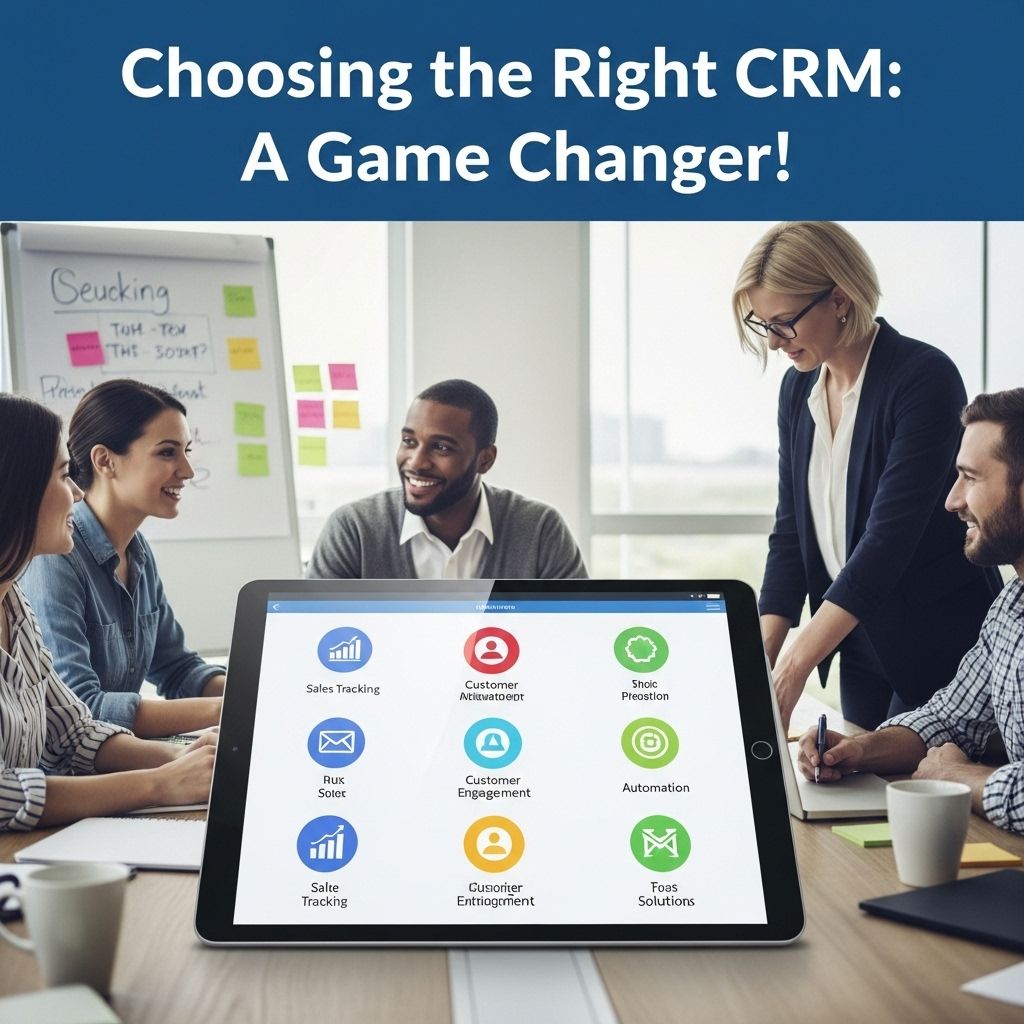

Choosing the right Customer Relationship Management (CRM) tool can significantly impact your business’s efficiency and customer satisfaction. With so many options available, it’s crucial to understand your specific needs, the features each CRM offers, and how they can benefit your organization. This article delves into the essential factors to consider when selecting a CRM tool, providing examples and insights to help you make an informed decision.
Understanding CRM and Its Importance
CRM systems are designed to streamline processes, improve customer interactions, and enhance overall productivity. They allow businesses to manage customer data, track interactions, and automate various tasks, which leads to better customer service and retention. Key benefits of implementing a CRM system include:
- Centralized data management
- Improved communication within teams
- Enhanced customer relationships
- Data-driven decision making
- Increased sales and profitability
Identifying Your Business Needs
Before diving into the features of different CRM tools, it’s essential to assess your business requirements. Here are some critical questions to ask:
- What is the size of your business? Smaller businesses may benefit from simpler, more cost-effective solutions, whereas larger organizations might require more complex features.
- What specific features do you need? Consider functionalities such as lead management, reporting, integrations, and customer support.
- Who will use the CRM? Different teams (sales, marketing, customer support) may need varying functionalities.
- What is your budget? CRM tools come in a range of prices, from free options to premium services. Set a realistic budget before exploring options.
- Do you prefer cloud-based or on-premise solutions? Evaluate your organization’s IT capacity and preferences for software deployment.
Evaluating CRM Features
Once you have a clear understanding of your needs, it’s time to explore the features offered by various CRM tools. Here are some key features to consider:
1. Lead and Contact Management
An effective CRM should allow you to manage leads and contacts efficiently. Look for tools that offer:
- Contact segmentation
- Lead scoring
- Automated follow-ups
2. Sales Automation
Sales automation features help streamline the sales process. Consider CRMs that provide:
- Sales forecasting
- Pipeline management
- Task automation
3. Marketing Automation
Effective marketing automation features can enhance your outreach efforts. Look for:
- Email marketing capabilities
- Social media integration
- Campaign tracking and analytics
4. Reporting and Analytics
A robust reporting feature is crucial for analyzing performance and making data-driven decisions. Ensure the CRM offers:
- Customizable reports
- Dashboard views
- Real-time data analysis
5. Customer Support and Service Tools
Customer service capabilities ensure that your team can handle inquiries effectively. Key features include:
- Ticketing systems
- Knowledge base integration
- Live chat options
Comparing Popular CRM Tools
With your needs and desired features in mind, here’s a comparative look at some popular CRM tools:
| CRM Tool | Best For | Key Features | Price Range |
|---|---|---|---|
| Salesforce | Large Enterprises | Customizable dashboards, robust reporting, extensive integrations | Starts at $25/user/month |
| HubSpot CRM | Small to Medium Businesses | User-friendly interface, free tier, marketing integration | Free, paid plans start at $45/month |
| Zoho CRM | Cost-Effective Solutions | Lead management, multi-channel communication, analytics | Starts at $12/user/month |
| Microsoft Dynamics 365 | Existing Microsoft Users | Integration with Microsoft products, AI features, customizable | Starts at $65/user/month |
| Pipedrive | Sales-Focused Teams | Visual sales pipeline, activity reminders, reporting | Starts at $15/user/month |
Integration Capabilities
Integration is a crucial aspect of any CRM tool as it allows your software to work seamlessly with other applications. Consider whether the CRM offers:
- APIs for custom integrations
- Pre-built integrations with popular software (e.g., email, marketing tools)
- Compatibility with existing systems
User Experience and Support
A user-friendly interface is essential for the successful adoption of a CRM tool. Look for:
- Intuitive navigation
- Mobile access
- Comprehensive training resources and customer support options
Trial Periods and Demos
Many CRM providers offer free trials or demos. Take advantage of these opportunities to test out the software:
- Sign up for free trials of your shortlisted CRM tools.
- Involve team members in the testing process.
- Assess how well the software meets your needs.
Conclusion
Choosing the right CRM tool requires a thorough understanding of your business needs, the features of various CRM solutions, and how they can be integrated into your existing processes. By carefully evaluating your options and considering the insights provided in this article, you can make a well-informed decision that enhances your business operations and customer relationship management. Remember, the right CRM is not just a software purchase; it’s an investment in your company’s future.
FAQ
What factors should I consider when choosing CRM tools?
When choosing CRM tools, consider factors such as your business size, budget, specific features needed, integration capabilities, user-friendliness, customer support, and scalability.
What are some examples of popular CRM tools?
Popular CRM tools include Salesforce, HubSpot, Zoho CRM, Microsoft Dynamics 365, and Pipedrive, each offering unique features suited for different business needs.
How can I determine if a CRM tool is right for my business?
Assess your business requirements, test the tool with free trials, read user reviews, and ensure it aligns with your sales and marketing strategies.
Are there affordable CRM options for small businesses?
Yes, there are affordable CRM options such as HubSpot CRM, Zoho CRM, and Freshsales that offer free or low-cost plans tailored for small businesses.
What are the benefits of using CRM tools?
CRM tools help improve customer relationships, streamline communication, automate tasks, enhance data analysis, and boost sales productivity.


