
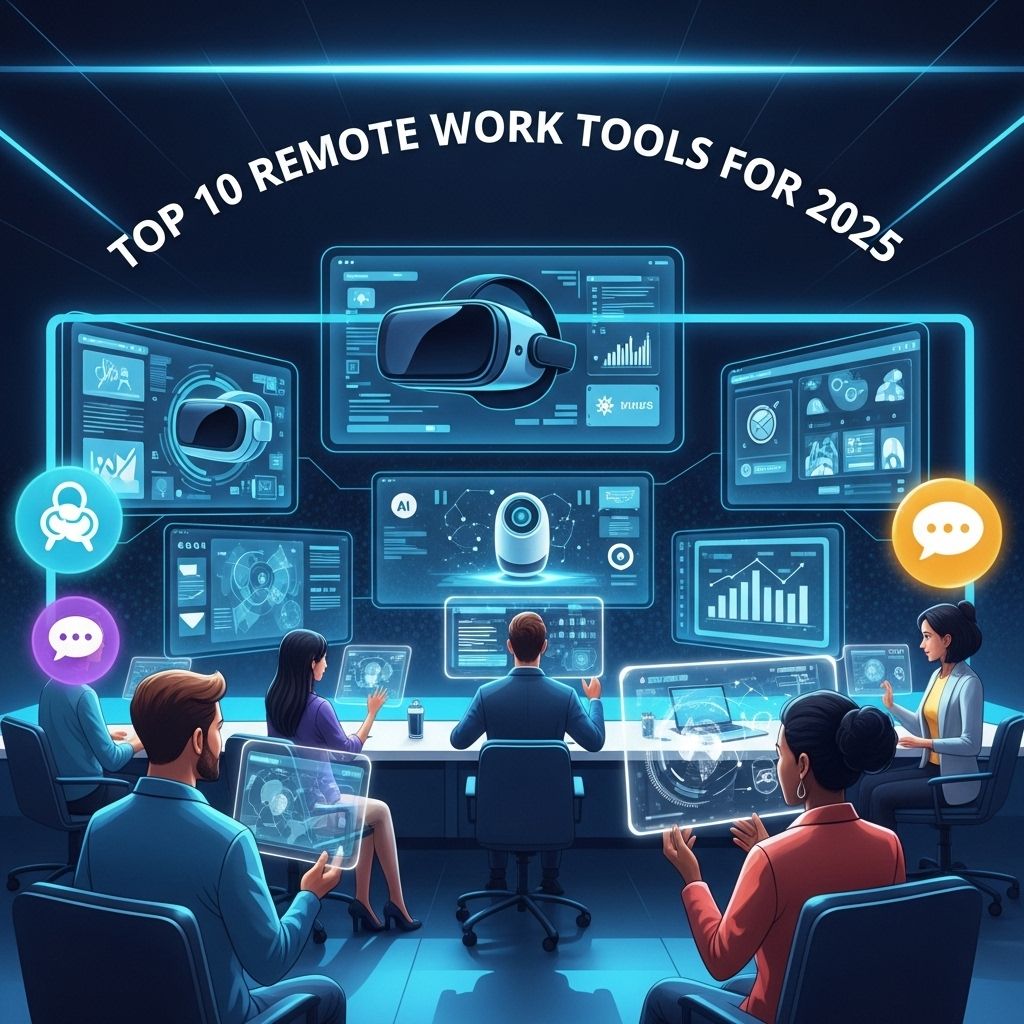

The landscape of remote work is evolving at an unprecedented pace, with businesses and employees adapting to new technologies and methods of collaboration. As we look towards 2025, it is evident that a blend of innovation, flexibility, and efficiency will dominate the remote work environment. This article delves into the top ten remote work tools and technologies that are predicted to shape the future of work, enhancing productivity, communication, and overall employee satisfaction.
1. Virtual Reality (VR) Workspaces
As VR technology continues to advance, its application in remote work is becoming more viable. Virtual reality workspaces allow teams to interact in a simulated environment, creating a more immersive experience compared to traditional video conferencing.
Benefits of VR Workspaces
- Enhanced collaboration through shared virtual environments
- Improved social interactions among team members
- Realistic simulations for training and presentations
2. Artificial Intelligence (AI) Assistants
AI-driven tools are revolutionizing how remote teams manage their schedules, automate tasks, and analyze data. In 2025, AI assistants are expected to become indispensable, helping professionals work smarter and more efficiently.
Key Features of AI Assistants
- Smart scheduling and calendar management
- Automated email responses and follow-ups
- Data analysis and insights generation
3. Project Management Platforms
Effective project management remains critical for remote teams. With an increasing number of projects being managed across various locations, robust project management tools have become essential.
Top Project Management Tools
| Tool Name | Key Features |
|---|---|
| Trello | Kanban boards, task assignments, and integrations |
| Asana | Task tracking, progress visualization, and reporting |
| Monday.com | Custom workflows, automation, and team collaboration |
4. Communication Platforms
Clear communication is vital for remote teams to function effectively. Platforms that facilitate seamless communication are crucial for maintaining a cohesive work environment.
Trending Communication Tools
- Slack – Real-time messaging and channels for organized discussions
- Microsoft Teams – Integrated with Office 365 for enhanced productivity
- Zoom – Reliable video conferencing with collaboration features
5. Cloud Storage Solutions
As remote teams rely heavily on digital documents, cloud storage solutions provide the flexibility to access files from anywhere. The importance of secure and scalable storage cannot be overstated for businesses aiming to protect their data.
Leading Cloud Storage Providers
| Provider | Key Features |
|---|---|
| Google Drive | Collaboration tools, integration with G Suite, generous free storage |
| Dropbox | User-friendly interface, file synchronization, and sharing options |
| OneDrive | Seamless integration with Microsoft products, advanced sharing controls |
6. Cybersecurity Tools
With the rise of remote work comes the increased risk of cyber threats. Protecting sensitive information is a top priority, making cybersecurity tools essential for remote teams.
Essential Cybersecurity Practices
- Using VPNs for secure connections
- Implementing multi-factor authentication (MFA)
- Regular security training for employees
7. Time Tracking Software
Understanding how time is spent on various tasks is vital for improving productivity. Time tracking software helps remote teams optimize their work processes and efficiently allocate resources.
Popular Time Tracking Tools
| Tool Name | Key Features |
|---|---|
| Toggl | User-friendly interface, reporting, and team management |
| Harvest | Time tracking, invoicing, and expense management |
| Clockify | Unlimited tracking, project organization, and reporting |
8. Collaboration Tools
Collaboration is at the heart of remote work. Tools that facilitate teamwork and creative brainstorming are vital for innovation and productivity.
Innovative Collaboration Platforms
- Miro – Virtual whiteboard for brainstorming and planning
- Mural – Visual collaboration tool for teams
- Notion – All-in-one workspace for notes, tasks, and projects
9. Employee Engagement Software
Keeping remote employees engaged and motivated can be challenging. Solutions that focus on employee well-being and engagement are becoming increasingly popular.
Benefits of Employee Engagement Software
- Regular feedback and survey tools
- Recognition and reward systems
- Virtual team-building activities
10. Wellness Platforms
In a remote work setting, employee wellness is crucial for productivity and morale. Wellness platforms provide resources and support for mental and physical health.
Key Features of Wellness Platforms
- Mental health resources and counseling services
- Fitness and nutrition programs
- Mindfulness and stress management tools
As we approach 2025, the tools and technologies that support remote work are anticipated to transform how we work forever. By embracing innovative solutions, businesses can not only improve their operational efficiency but also foster a healthy, engaging work environment for their remote teams. The future of work is not just about technology; it’s about redefining the way we connect, collaborate, and create.
FAQ
What are the top remote work tools for 2025?
The top remote work tools for 2025 include collaboration platforms like Slack, project management tools like Asana, video conferencing apps like Zoom, cloud storage solutions like Google Drive, and advanced productivity software like Notion.
How can remote work tools enhance team collaboration?
Remote work tools enhance team collaboration by providing seamless communication channels, real-time project updates, and shared document access, which help teams stay connected and organized, regardless of their physical locations.
What technologies will shape remote work in 2025?
Technologies shaping remote work in 2025 include artificial intelligence for task automation, virtual reality for immersive meetings, enhanced cybersecurity measures, and platforms that integrate various work tools for a smoother workflow.
Are there any unique features in remote work tools for 2025?
Yes, remote work tools in 2025 are expected to include unique features like AI-driven insights for productivity, advanced analytics for team performance, and customizable user interfaces to cater to diverse work styles.
How do remote work tools impact employee productivity?
Remote work tools positively impact employee productivity by streamlining workflows, reducing time spent on administrative tasks, and facilitating better communication, allowing employees to focus more on their core responsibilities.
What should companies consider when choosing remote work tools?
Companies should consider factors such as ease of use, integration capabilities with existing systems, scalability, support and training options, and security features when choosing remote work tools.


