
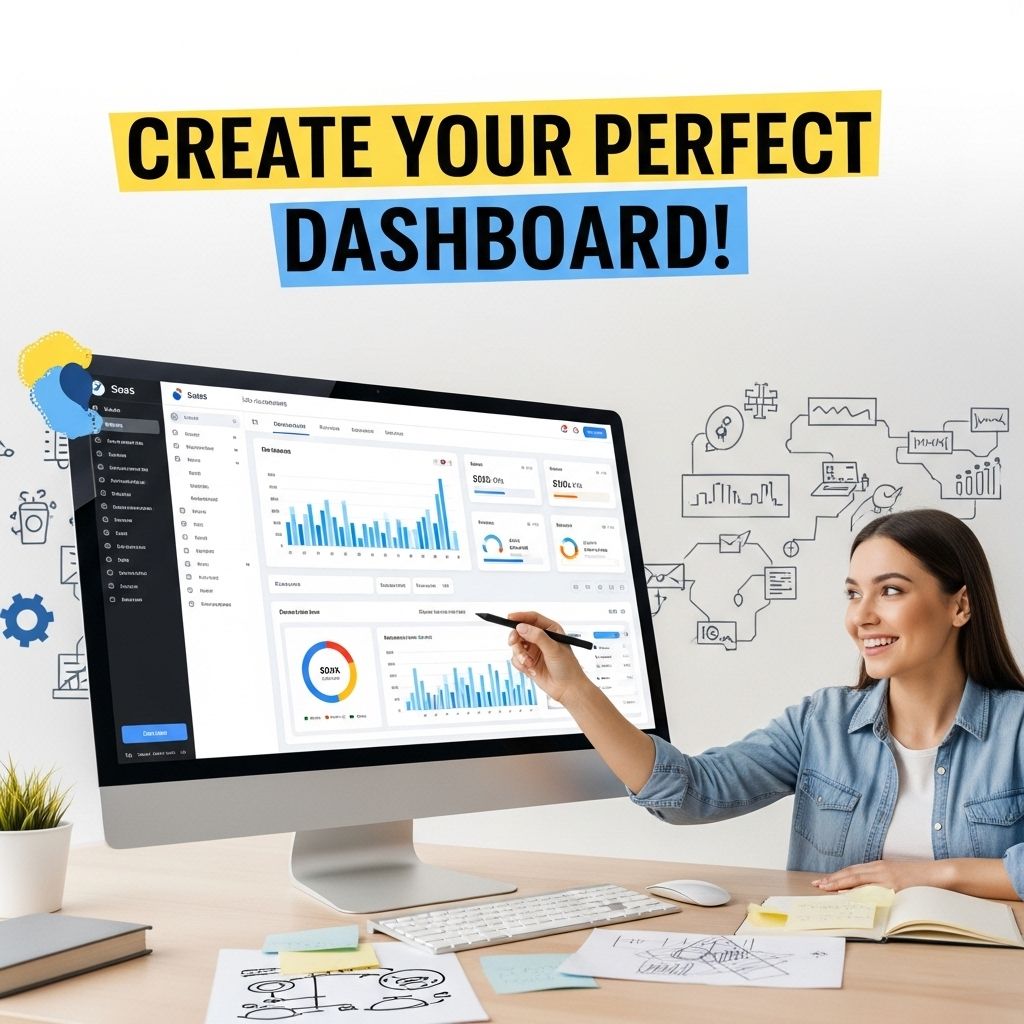

In the ever-evolving digital landscape, Software as a Service (SaaS) platforms have become a cornerstone of modern business operations. A well-designed admin dashboard is essential for managing applications and providing insights into user data and performance metrics. Crafting a robust SaaS admin dashboard template requires careful consideration of user experience, functionality, and design principles. This article delves into the key aspects of creating an effective SaaS admin dashboard template.
Understanding the Purpose of an Admin Dashboard
An admin dashboard serves multiple functions, providing a centralized interface for administrators to monitor, manage, and optimize their SaaS applications. Here are some critical roles that an admin dashboard plays:
- Data Visualization: Presenting complex data in an easily digestible format.
- User Management: Monitoring user activity, managing permissions, and handling subscriptions.
- Performance Tracking: Analyzing key performance indicators (KPIs) to ensure the application runs smoothly.
- Alerts and Notifications: Sending real-time alerts for important events or anomalies.
Key Components of a SaaS Admin Dashboard
Creating a dashboard involves assembling various components that contribute to an effective user experience:
1. Navigation Bar
A well-structured navigation bar is vital for usability. It should be intuitive and include links to key sections of the dashboard, such as:
- Home
- User Management
- Analytics
- Settings
- Support
2. User Analytics and Performance Metrics
Displaying user analytics and performance metrics is essential for administrators to gauge application health. Consider incorporating:
| Metric | Description | Importance |
|---|---|---|
| Active Users | Number of users currently using the application. | Indicates user engagement. |
| Subscription Revenue | Monthly recurring revenue from subscriptions. | Vital for financial forecasting. |
| Error Rates | Percentage of failed requests or issues encountered. | Helps in identifying bugs. |
3. Real-Time Notifications
Incorporating a notification system will keep administrators informed about critical events, such as:
- New user registrations
- Subscription cancellations
- System downtimes
4. Customizable Dashboard Widgets
Allowing users to customize their dashboard with widgets enhances the usability of the admin interface. Common widget options include:
- Charts and Graphs
- Recent User Activities
- Quick Actions (e.g., adding users, sending emails)
Designing the Layout
The layout of your admin dashboard should prioritize clarity and ease of use. Consider the following principles:
1. Consistent Color Scheme
Adopt a color scheme that aligns with your brand while ensuring good contrast for readability. Use muted colors for backgrounds and vibrant colors for highlights.
2. Responsive Design
Your dashboard should be fully responsive. This means it should work seamlessly on various devices, including desktops, tablets, and mobile phones.
3. Minimalistic Approach
A cluttered dashboard can overwhelm users. Strive for a minimalistic design that emphasizes essential information without unnecessary distractions.
Integrating APIs and Data Sources
For a functional admin dashboard, integration with various data sources is essential. Here are some common APIs you might consider:
- User Management API: For managing user data.
- Analytics API: To fetch usage statistics and performance metrics.
- Payment Processing API: For real-time subscription data.
Implementing Security Measures
Security is a paramount concern for any SaaS application. Here are a few strategies to enhance the security of your admin dashboard:
- Authentication Mechanisms: Use two-factor authentication (2FA) for administrators.
- Role-Based Access Control: Ensure that users have access only to the data they require.
- Regular Security Audits: Conduct periodic audits to identify vulnerabilities.
Testing and Feedback
Before deploying your admin dashboard template, thorough testing and user feedback are critical. Here’s how to effectively gather feedback:
1. Beta Testing
Invite a small group of users to test the dashboard. Collect their insights regarding usability, functionality, and design.
2. Survey Tools
Utilize survey tools to gauge user satisfaction and gather suggestions for improvements.
3. Continuous Improvement
Implement an agile approach to development, allowing for regular updates based on user feedback.
Conclusion
Creating a SaaS admin dashboard template requires a thoughtful approach to design, functionality, and user experience. By understanding the purpose of the dashboard, incorporating essential components, and implementing strong security measures, you can build an effective tool that empowers administrators to manage their applications efficiently. By continuously testing and improving based on user feedback, your dashboard can evolve to meet the changing needs of its users, contributing to the overall success of your SaaS platform.
FAQ
What is a SaaS admin dashboard template?
A SaaS admin dashboard template is a pre-designed interface that allows administrators to manage and monitor various aspects of a Software as a Service application, including user analytics, performance metrics, and system settings.
What key features should be included in a SaaS admin dashboard template?
Key features typically include user management tools, data visualization options, analytics and reporting sections, settings configuration, and alerts for system performance or security issues.
How can I customize my SaaS admin dashboard template?
You can customize your SaaS admin dashboard template by altering the layout, adding or removing widgets, changing color schemes, and integrating specific data sources that reflect your application’s unique requirements.
What technologies are commonly used to build a SaaS admin dashboard?
Common technologies for building a SaaS admin dashboard include HTML, CSS, JavaScript frameworks like React or Angular, and backend technologies such as Node.js or Python with data visualization libraries.
How do I ensure my SaaS admin dashboard is user-friendly?
To ensure your SaaS admin dashboard is user-friendly, focus on intuitive navigation, responsive design, clear labeling, and providing tooltips or help sections for complex features.
Can I integrate third-party services into my SaaS admin dashboard?
Yes, many SaaS admin dashboards support integration with third-party services through APIs, allowing you to pull in data from other applications or services for enhanced functionality.


