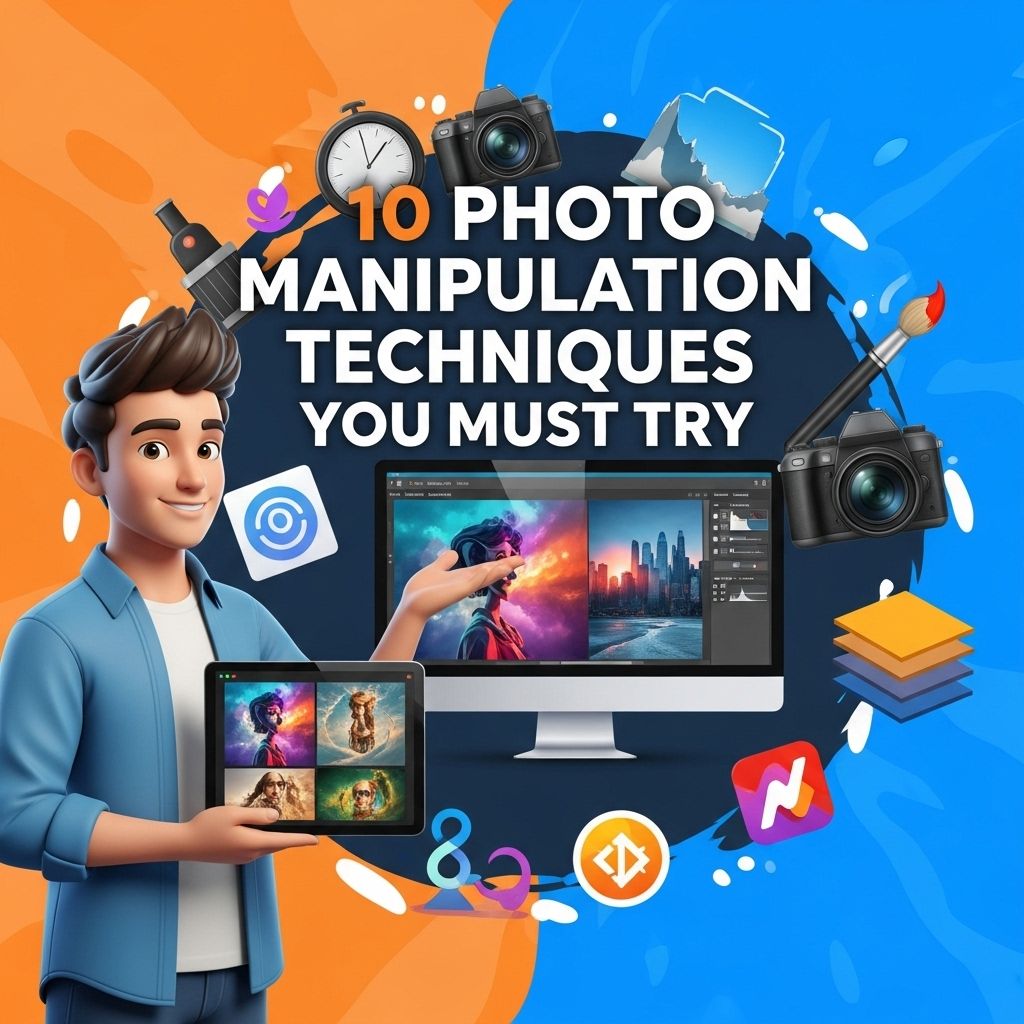

In the age of digital imagery, the boundaries of creativity are continually being pushed by the innovative techniques used in photo manipulation. Whether you’re a seasoned graphic designer or a budding photographer, mastering these techniques can elevate your work to new heights. In this article, we delve into ten essential photo manipulation techniques that every visual artist should experiment with to enhance their skill set.
1. Layer Masking
Layer masking is a crucial technique in photo manipulation that allows for non-destructive editing of images. By using layer masks, you can hide or reveal parts of a layer without permanently altering the original image.
How to Use Layer Masks:
- Select the layer you want to mask.
- Click on the layer mask icon in the layers panel.
- Use the brush tool with black and white colors to hide or reveal parts of the layer.
2. Clone Stamp Tool
The clone stamp tool is invaluable for correcting imperfections in an image, duplicating elements, or removing unwanted objects. This technique is especially useful for retouching photographs.
Steps to Use the Clone Stamp Tool:
- Choose the clone stamp tool from the toolbar.
- Hold down the Alt key and click to select the area you want to clone.
- Paint over the area you want to correct.
3. Color Grading
Color grading can dramatically change the mood of an image. This technique involves altering the colors in your photographs to create a specific atmosphere or aesthetic.
Methods for Color Grading:
| Method | Description |
|---|---|
| Curve Adjustments | Using curves to adjust the tonal range and color balance. |
| Color Lookup Tables | Applying preset color grading styles for a quick effect. |
4. Blending Modes
Blending modes determine how layers interact with each other. They can be used to create unique effects and enhance the overall look of an image.
Common Blending Modes:
- Multiply: Darkens the image by multiplying the base color with the blend color.
- Screens: Lightens the image by inverting the colors, multiplying them, and then inverting again.
5. Compositing
Compositing involves combining multiple images to create a single cohesive piece. This technique is widely used in advertising and fantasy art to generate surreal visuals.
Tips for Effective Compositing:
- Ensure all images share a similar lighting direction.
- Match the color tone of each layer for consistency.
- Use shadows and highlights to enhance realism.
6. Digital Collage
Digital collage allows artists to blend various elements from different sources into a new artwork. This technique is a mix of traditional collage art and digital manipulation.
Creating a Digital Collage:
- Gather images from various sources.
- Use layer styles to blend elements seamlessly.
- Add textures to create depth.
7. 3D Rendering
3D rendering can enhance photography by adding three-dimensional elements to your images. This technique opens up new possibilities for creativity.
Getting Started with 3D Rendering:
- Choose a 3D modeling software (like Blender or Cinema 4D).
- Create or import 3D objects.
- Render the 3D objects into your photo manipulation software.
8. Surreal Effects
Creating surreal effects involves manipulating reality to produce dream-like images. This technique challenges viewers’ perception and engages their imagination.
Ways to Achieve Surrealism:
- Use exaggerated proportions of objects.
- Combine unrelated images in imaginative ways.
- Incorporate ethereal lighting and textures.
9. Textures and Overlays
Adding textures and overlays can enhance the visual appeal of an image. Textures can give a photo a more tactile quality, while overlays can create atmosphere.
Applying Textures and Overlays:
- Select a texture image.
- Apply it as a new layer over your main image.
- Change the blending mode and opacity to fit the desired effect.
10. Typography Integration
Typography plays a significant role in photo manipulation, especially in creating posters or promotional material. Integrating typography into your images can convey messages more effectively.
Best Practices for Typography Integration:
- Choose fonts that complement the overall theme.
- Ensure legibility against the background.
- Experiment with sizes and placements for balance.
By incorporating these techniques into your photo manipulation repertoire, you can significantly enhance your creative projects. The beauty of digital art lies in its endless possibilities, and experimenting with these methods can help you discover your unique style. So grab your design software, unleash your creativity, and watch your digital images transform like never before!
FAQ
What are the most popular photo manipulation techniques?
Some popular photo manipulation techniques include layering, masking, color correction, retouching, and digital painting.
How can I improve my photo manipulation skills?
Improving your photo manipulation skills can be achieved through practice, online tutorials, and experimenting with different software tools.
What software is best for photo manipulation?
Adobe Photoshop is widely regarded as the best software for photo manipulation, but alternatives like GIMP and Affinity Photo are also effective.
Can I manipulate photos on my smartphone?
Yes, there are many mobile apps available for photo manipulation, such as Snapseed, PicsArt, and Adobe Photoshop Express.
Is photo manipulation ethical?
Photo manipulation can be ethical or unethical depending on the context and intent, especially in fields like journalism or advertising.
What are some creative photo manipulation ideas?
Creative photo manipulation ideas include surreal landscapes, fantasy characters, double exposure effects, and combining multiple images into one cohesive piece.